From Fox News · Kurt Knutsson, CyberGuy Report · · 2m
How to Organize Photos with Keywords on Your Phone
Add keywords to photos on iPhone, Samsung, or Google Pixel for easier searches.
In brief
Add keywords to photos on iPhone, Samsung, or Google Pixel for easier searches. Adding keywords to photos helps users find important pictures without scrolling through thousands of images. Originally reported by Fox News.
Quick answers
- What's Next?
- Start small with photos you'll need again and let your phone's search handle the rest for better organization.
- What is the key takeaway from How to Organize Photos with Keywords on Your Phone?
- Adding keywords to photos helps users find important pictures without scrolling through thousands of images.
iPhone Keywords for Photos

Apple's iOS 27 lets users add keywords to photos for easier search without scrolling through thousands of images.
Add Keywords on iPhone
Open Photos app, tap Info icon, select Add Keywords, enter your chosen term, and save changes.
Find Photos with Keywords
Search for your keyword in Photos app to quickly locate pictures associated with that term.
Samsung Galaxy Tags

Samsung Galaxy users add tags in Gallery app by swiping up on photos and selecting Add tag.
Search Samsung Tags
Use Gallery search to find photos tagged with your chosen keyword or phrase.
Create Albums on Samsung
Create albums in Gallery to group related photos, like home repairs or family vacations.
Google Photos Search
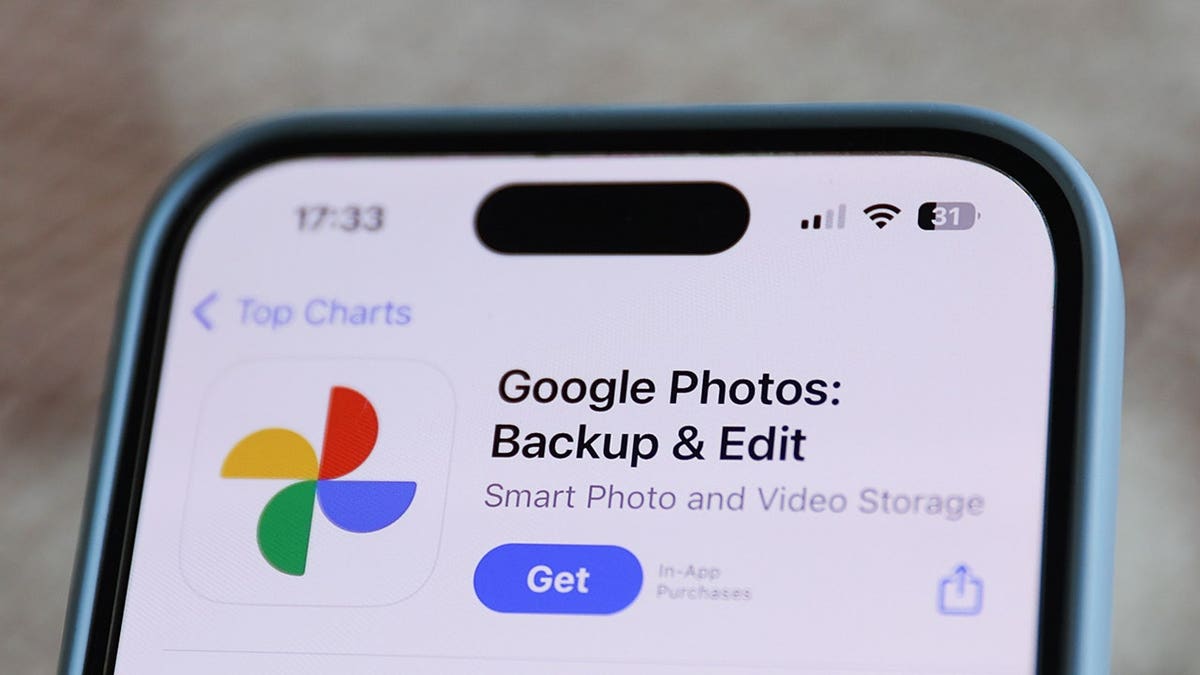
Google Photos automatically recognizes objects and places to help find pictures without manual tagging.
Find Photos in Google Photos
Search for terms like receipt, dog, or beach to locate pictures automatically recognized by Google Photos.
Create Albums in Google Photos
Group related photos into albums for vacations, family events, or important household information.
Documents in Google Photos

Backed-up receipts and documents may appear in a dedicated Documents collection for easy access.
Smart Organization Tips
Start with photos you need again, use simple names, and avoid overly specific labels for better recall.
Avoid Quality Loss When Sharing
Ensure photo quality remains intact when sharing pictures to prevent degradation.
Kurt's Key Takeaways

Simple keywords or well-named albums solve the problem of finding important pictures without scrolling through thousands.
What's Next?
Start small with photos you'll need again and let your phone's search handle the rest for better organization.
What matters most
Adding keywords to photos helps users find important pictures without scrolling through thousands of images.