From Inc · · 1m 30s
MapQuest's Surveillance Layer Shows Camera Locations
MapQuest's new tool reveals where license plate readers and cameras are along your route.
In brief
MapQuest's new tool reveals where license plate readers and cameras are along your route. MapQuest launched a 'Surveillance Layer' to show users automated license plate readers and surveillance cameras along their travel routes. Originally reported by Inc.
MapQuest launches Surveillance Layer
MapQuest introduced a free digital navigation feature that lets users locate automated license plate readers and outdoor surveillance cameras along their route.
“The Roads Have Eyes”
Surveillance Layer identifies cameras
The feature identifies cameras developed by Flock Safety, Motorola Solutions, Genetec and other surveillance tech companies.
How to access Surveillance Layer
After updating to the latest MapQuest app, users tap Map Layers and toggle on Surveillance to see eyes populating the map where cameras are located.
View camera details
Clicking on an eye shows details about the surveillance camera to users.
Company's message
MapQuest emphasized its message that 'The Roads Have Eyes' in a video showing users how to access the surveillance layer.
“The Roads Have Eyes”
Why this feature exists
MapQuest's general manager Doug Berger said drivers using the service inspired the new feature as it addresses one of their top three user requests.
Public scrutiny over surveillance
Public backlash against mass surveillance technology surged following multiple incidents of automated license plate readers being misused.
What ALPRs do
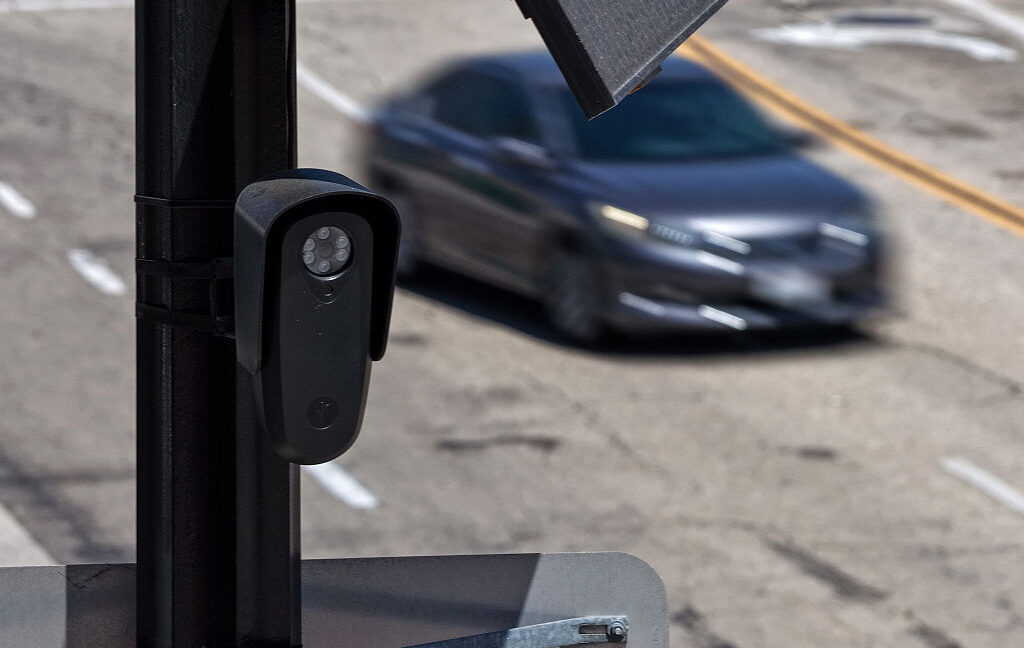
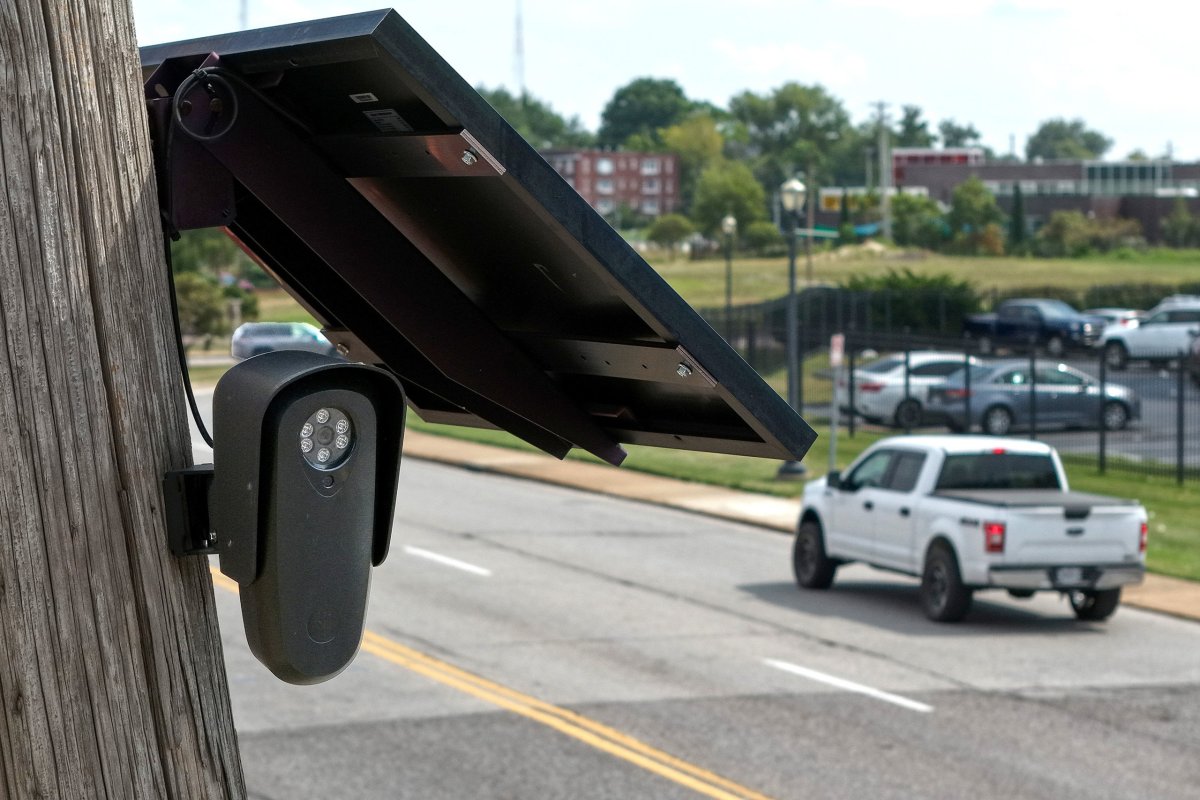
Automated license plate readers capture images or videos of passing vehicles and detect license plates to gather vehicle type, color, gps location, and date and time.
What to remember
MapQuest launched a 'Surveillance Layer' to show users automated license plate readers and surveillance cameras along their travel routes.