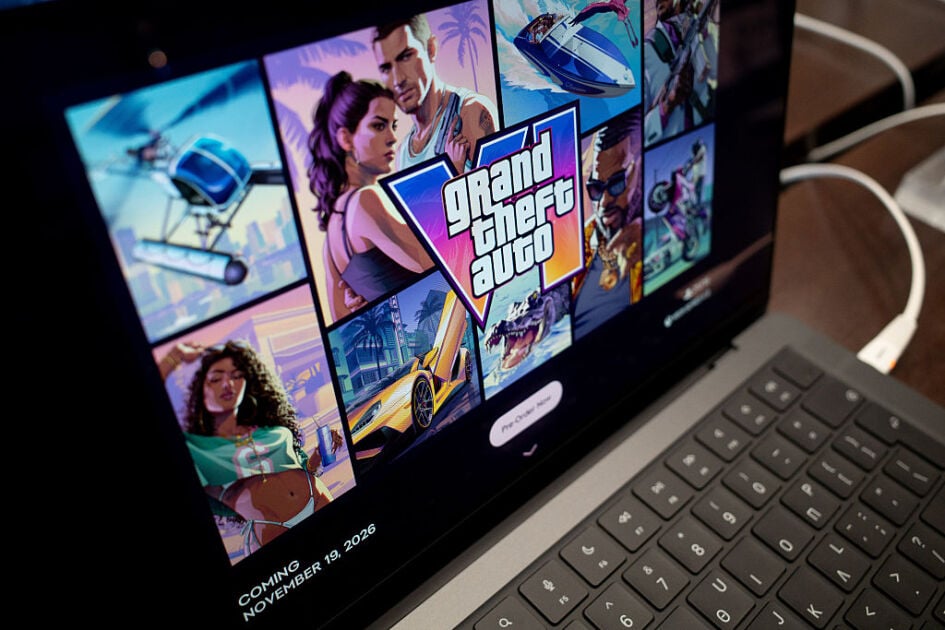
From PCMAG · Jason Cohen · · 1m
Play GTA 6 on PC via Remote Play
Stream GTA 6 from your console to PC using Remote Play.
In brief
Stream GTA 6 from your console to PC using Remote Play. You can play GTA 6 on PC by streaming from PlayStation 5 or Xbox Series X/S consoles via Remote Play. Originally reported by PCMAG.
Quick answers
- What Is Remote Play?
- Remote Play streams games from your console to a computer or mobile device.
- Is Remote Play Worth It?
- The quality of play may be worse than native console play, but it works for streaming to friends.
- What is the key takeaway from Play GTA 6 on PC via Remote Play?
- You can play GTA 6 on PC by streaming from PlayStation 5 or Xbox Series X/S consoles via Remote Play.
What Is Remote Play?

Remote Play streams games from your console to a computer or mobile device.
Set Up Remote Play on PS5
Enable Remote Play in Settings > System > Remote Play and toggle features available in rest mode.
Set Up Remote Play on Xbox
Enable remote features in Settings > Devices & connections and set Xbox to sleep mode.
Play GTA 6 on PC
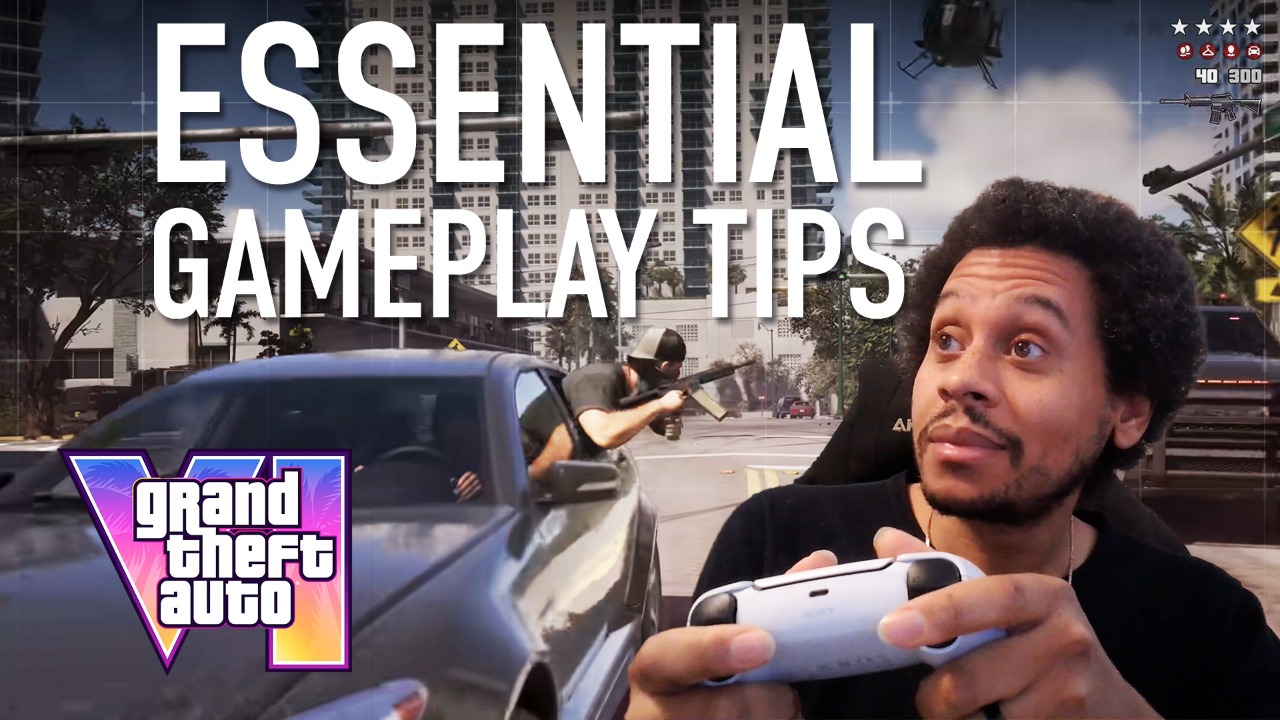
Use the PS Remote Play app or Xbox Remote Play webpage to stream GTA 6 through your browser.
Is Remote Play Worth It?
The quality of play may be worse than native console play, but it works for streaming to friends.
In short
You can play GTA 6 on PC by streaming from PlayStation 5 or Xbox Series X/S consoles via Remote Play.
Read the TL;DR — this story on one card.