From REA · · 1m 20s
REA, Reverse Engineering for Your Coding Agent
Use REA to inspect software and rebuild features with your coding agent.
In brief
Use REA to inspect software and rebuild features with your coding agent. REA helps coding agents reverse engineer software to explain and rebuild features like calculator percentages. Originally reported by REA.
Quick answers
- What is REA?
- REA gives your coding agent tools to inspect software and explain what it does.
- What is the key takeaway from REA, Reverse Engineering for Your Coding Agent?
- REA helps coding agents reverse engineer software to explain and rebuild features like calculator percentages.
What is REA?
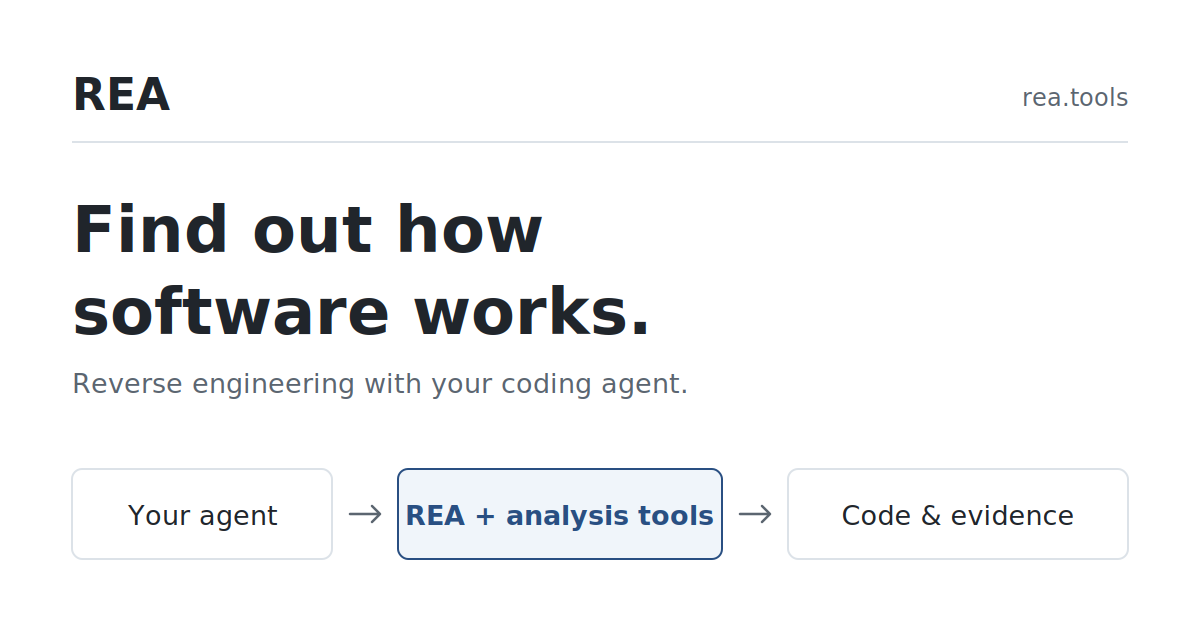
REA gives your coding agent tools to inspect software and explain what it does.
Set up REA
Copy this into your coding agent: npx rea-agents@latest setup to install and verify.
Reverse engineering
Finding how software works by examining the program itself to explain, change or rebuild it.
Calculator example
Why does 200 + 10% give 220? After +, % takes a percentage of the first number.
Dinosaur game
The dinosaur game speeds up by adding 0.001 each update until reaching 13.
Calculator percentage rule
With +: 10% of 200 = 20 → 200 + 20 = 220. With ×: 200 × 0.1 = 20.
Rebuild calculator
The agent uses both rules to recreate the % button for calculator operations.
REA workflow
REA reads the running game’s script, your agent rebuilds the rule, then you change the speed.
Next steps
Try REA on a small app like notes or games to inspect and rebuild features.
The main idea
REA helps coding agents reverse engineer software to explain and rebuild features like calculator percentages.