From TechRadar · · 1m 30s
ExpressVPN Android adds passkeys and login tokens
ExpressVPN's Android app now offers three new ways to sign in, phasing out traditional passwords and activation codes.
In brief
ExpressVPN's Android app now offers three new ways to sign in, phasing out traditional passwords and activation codes. ExpressVPN has added passkey, email code, and login token options to its Android app, gradually retiring activation codes by year end. Originally reported by TechRadar.
Three new ways to sign in
ExpressVPN's latest Android update adds email codes, login tokens, and passkeys as sign-in options. These replace the old activation codes that never expired.
Email code option
Users enter their email address and ExpressVPN sends a verification code to their inbox. This is the simplest of the three new sign-in methods.
Login tokens replace activation codes
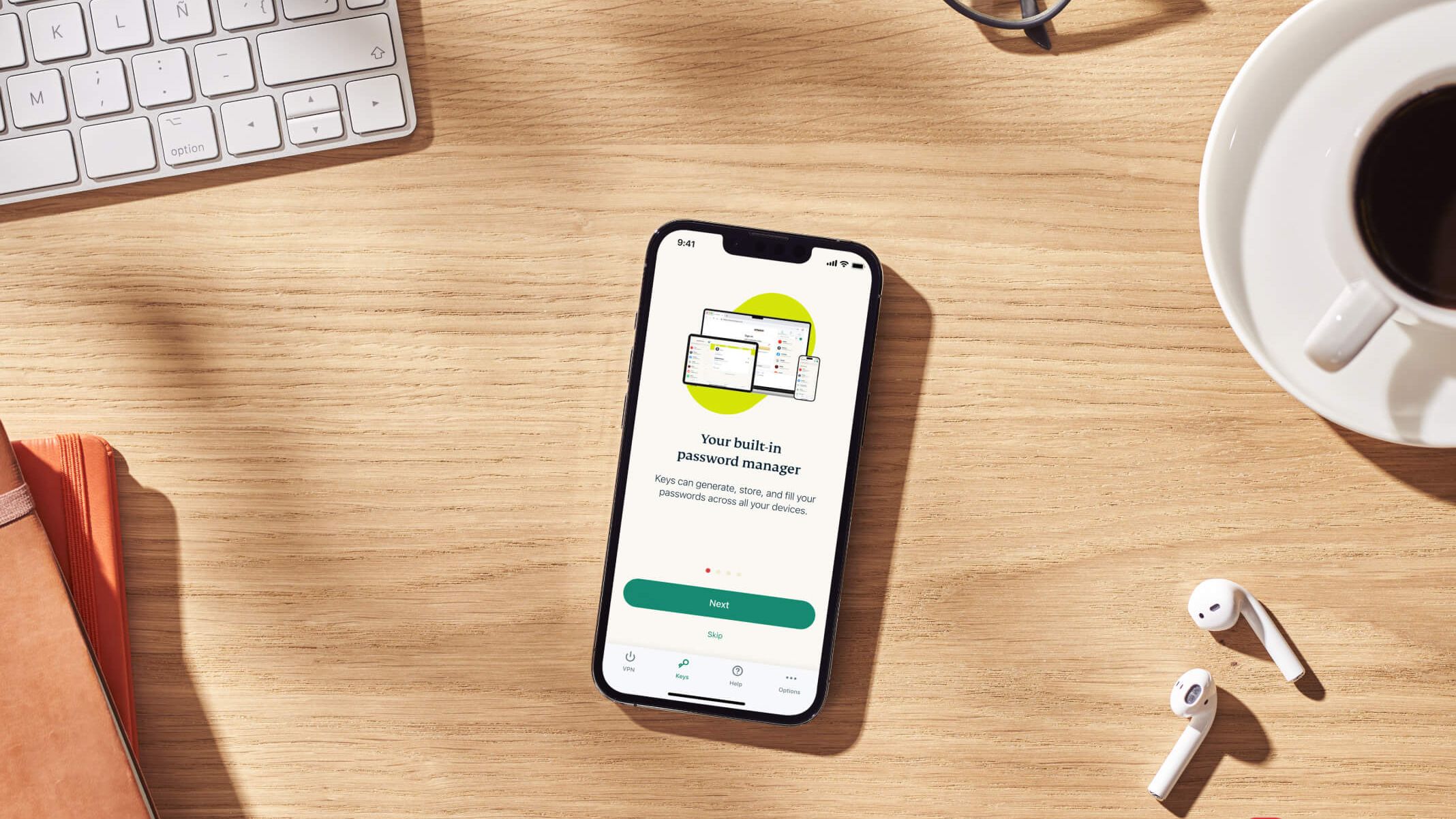
Users generate a token from the ExpressVPN+ web portal and paste it into the app or scan it as a QR code. Unlike old activation codes, tokens expire after a short period.
Passkey authentication
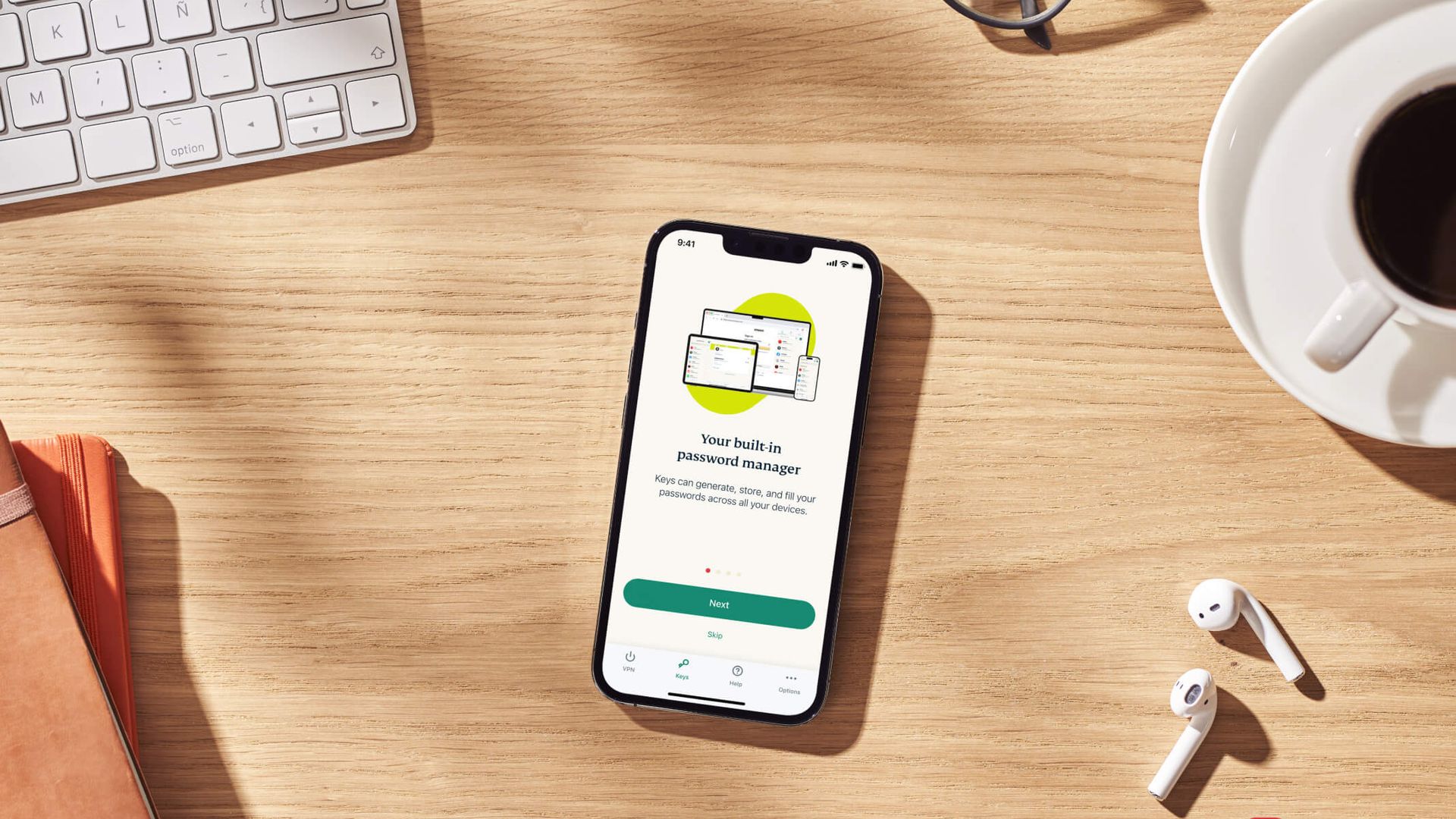
Users who created a passkey for their Android device can sign in by entering their email and following an on-screen prompt to authenticate.
Why passkeys are better
Passkeys are more secure and easier to input than traditional passwords. ExpressVPN's version follows the FIDO2/WebAuthn standard and syncs across devices.
Tokens improve on old codes
Only someone signed into the portal can generate a token, and because they expire, a lost or exposed token stops working automatically. No more long passwords on touchscreens.
“don't share it or post screenshots of it, and only scan the QR code on a device you own.”
Rollout timeline
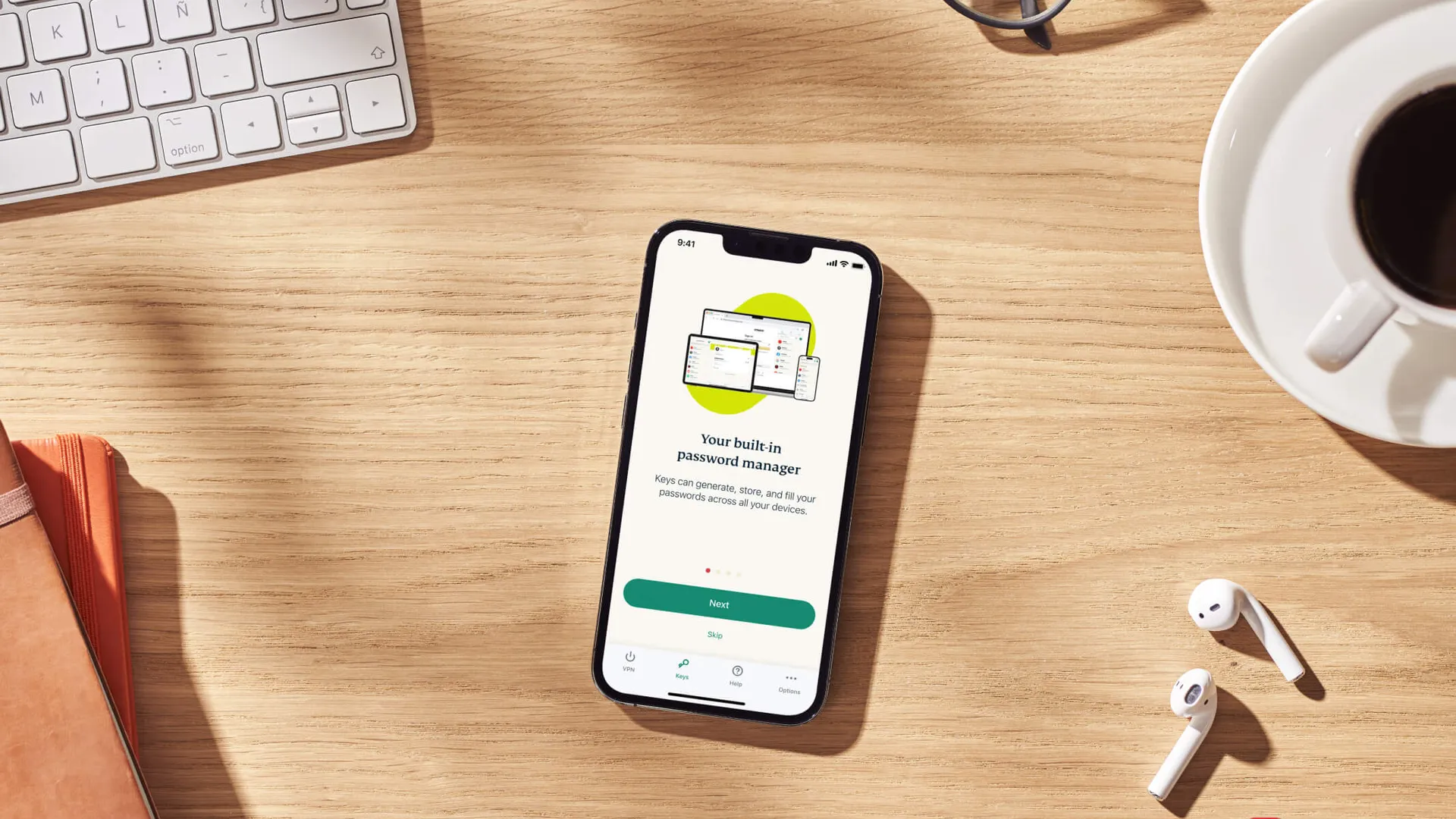
The new sign-in options are rolling out gradually to Android users. ExpressVPN expects every Android user to have access by the end of the year.
In short
ExpressVPN has added passkey, email code, and login token options to its Android app, gradually retiring activation codes by year end.