From Unsung · Marcin Wichary · · 2m
Keyboard Differences: Windows vs Mac
How Windows and Mac keyboards handle keys, shortcuts, and symbols differently.
In brief
How Windows and Mac keyboards handle keys, shortcuts, and symbols differently. Windows and Mac keyboards use different key names, symbols, and shortcuts for common functions like Backspace, Delete, and Enter. Originally reported by Unsung.
Different names for keys
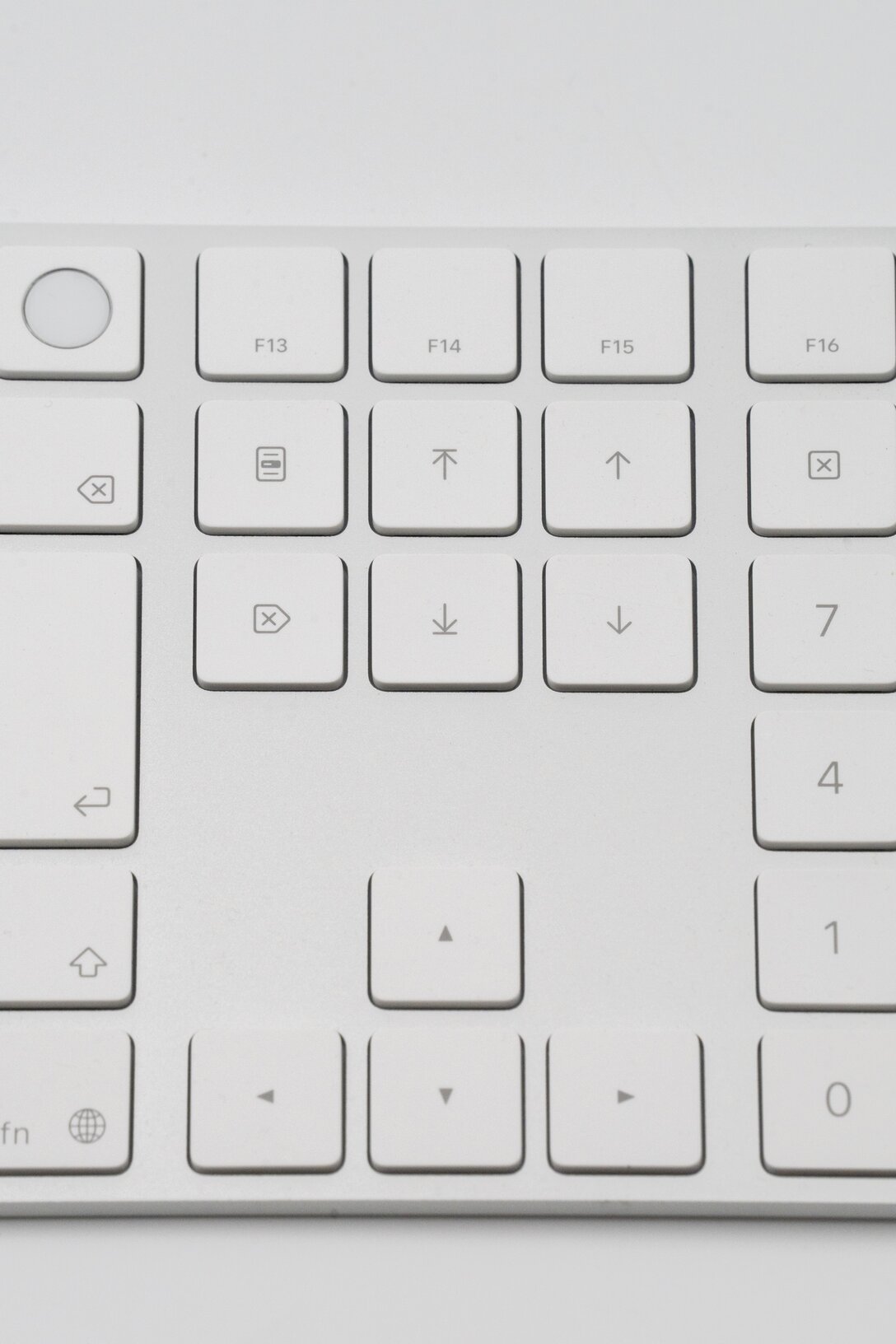
Windows calls Backspace Delete; Mac calls it Delete. Windows calls Delete Forward Delete; Mac calls it Forward Delete.
Enter and Return keys
Windows uses ⏎ Enter; Mac uses ⏎ Return. Macs also have ⌤ Enter on numeric keypads.
Modifier keys
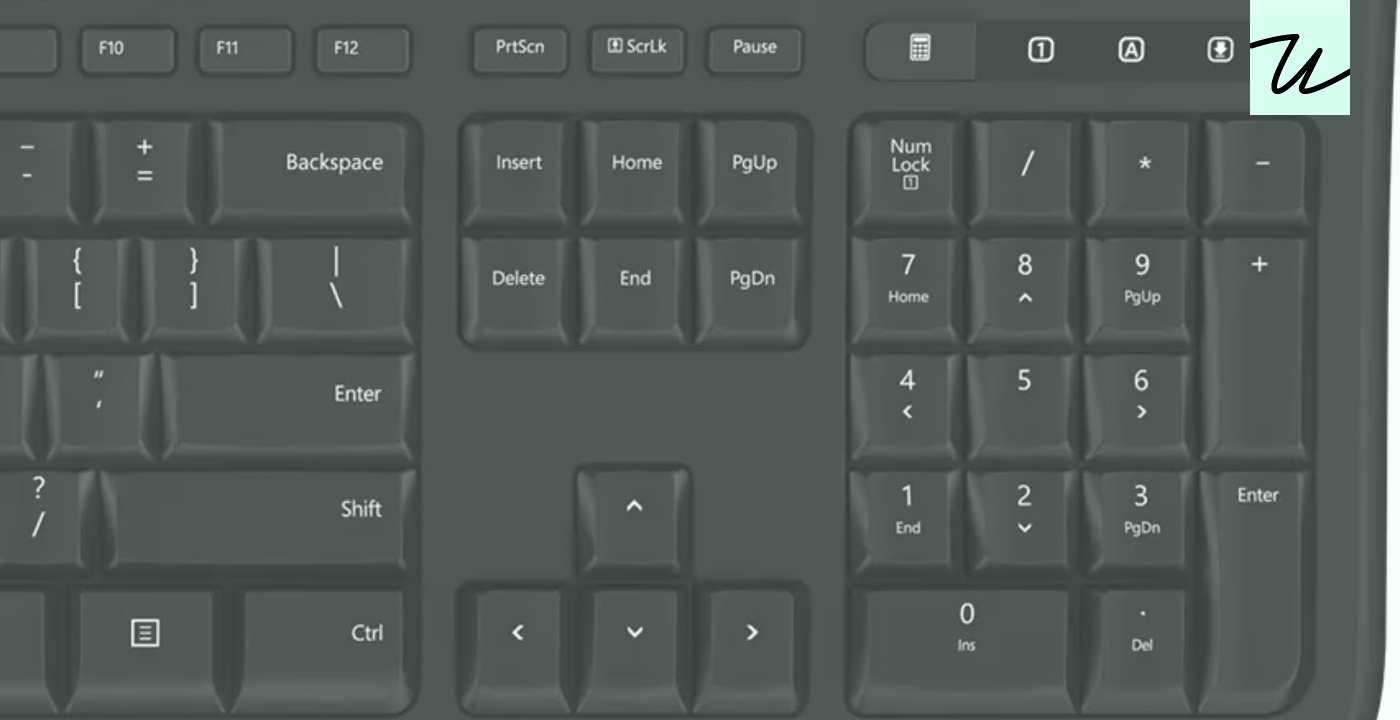
Windows uses Ctrl, Alt, Shift; Mac uses Command, Option, Control, Shift.
Symbols vs words
Apple uses symbols on keys; Windows uses words like Ctrl, Bkspc, PrtSc.
Key symbols
Mac symbols include ⇧ Shift, ⌃ Control, ⌥ Option, ⌘ Command, ⏎ Return, ⌤ Enter, 🌐 Globe/Fn, ⇥ Tab, ⎋ Esc, ⌫ Delete, ⌦ Forward Delete.
Windows symbols
Windows symbols include ⇧ Shift, ⇧ for Shift, ⇧ for Shift, ⇧ for Shift.
Shortcuts in menus
Windows joins key combinations with a plus; Mac glues them together.
Function keys
Windows uses F1 for help; Macs don’t use function keys for common tasks.
Extra characters
Apple uses ⌥ with printing keys for special characters like œ and ¶.
Right Alt key
Windows uses Right Alt for special characters; Mac uses ⌥ for similar functions.
Text fields
Mac uses ⌃A to move to start of line; Windows uses Shift+Delete for cut.
Tab behavior
Windows tabs through all UI elements; Mac tabs only through input fields.
PgUp and PgDn
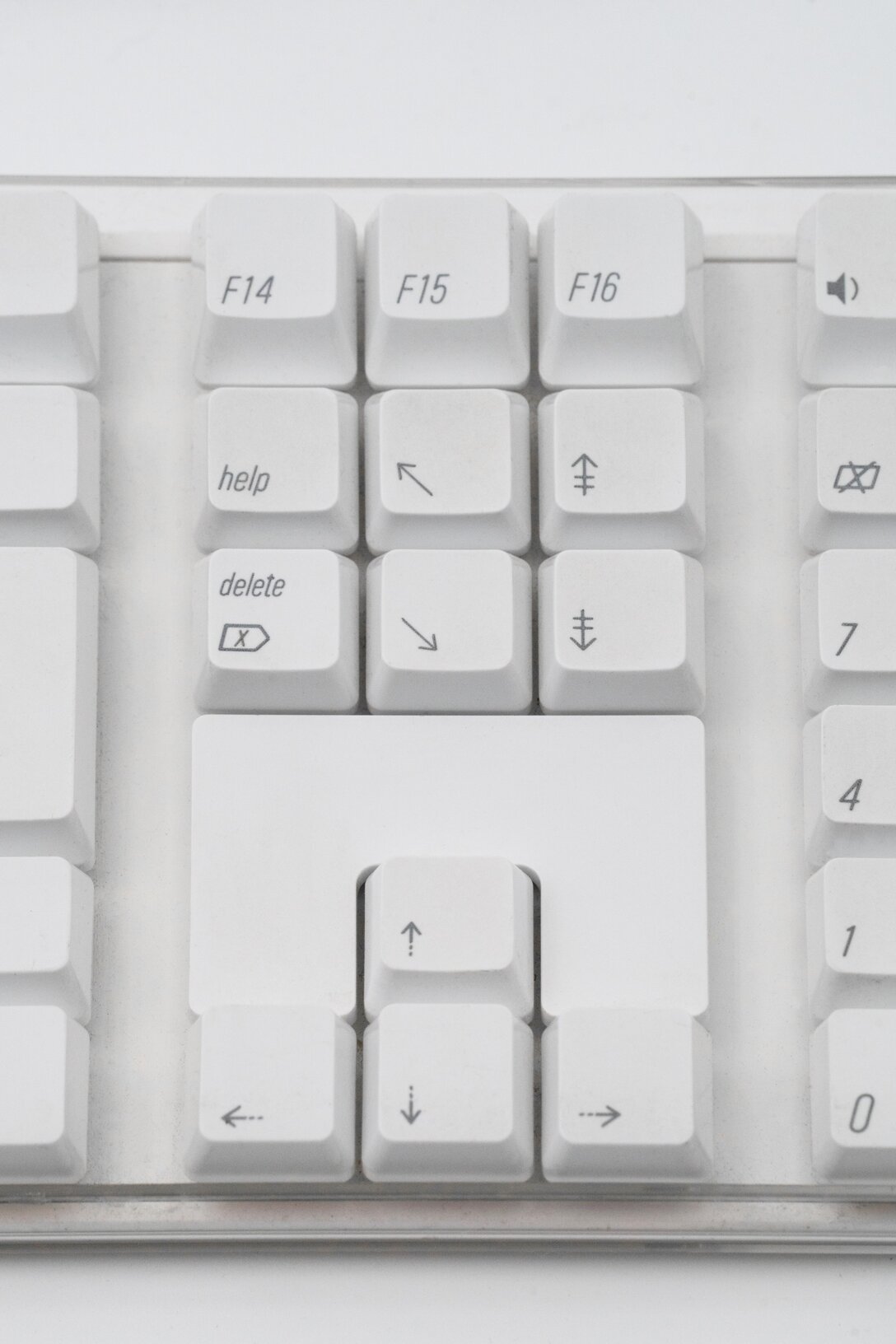
Windows moves cursor; Mac scrolls view without moving cursor.
Home and End keys
Windows scrolls to top/bottom; Mac scrolls without moving cursor.
Less popular keys
Windows has Insert, Print Screen, Num Lock; Mac has Help, Contextual Menu, Clear.
Historical keyboards
Older Apple keyboards used Windows legends for compatibility.
The headline
Windows and Mac keyboards use different key names, symbols, and shortcuts for common functions like Backspace, Delete, and Enter.





