From Engadget · Kris Holt · · 1m
How to switch camera views in GTA 6
Grand Theft Auto 6 lets you adjust camera height and follow speed, switch to cinematic mode while driving, and access limited first-person perspectives.
In brief
Grand Theft Auto 6 lets you adjust camera height and follow speed, switch to cinematic mode while driving, and access limited first-person perspectives. GTA 6 offers camera customization through settings and on-the-fly adjustments, with first-person perspective available only in limited circumstances. Originally…
Customize your camera in settings
In the camera tab of GTA 6 settings, adjust camera height while on foot and horizontal and vertical follow speeds. For vehicles, set follow speeds for drivers and passengers.
Switch camera height while driving
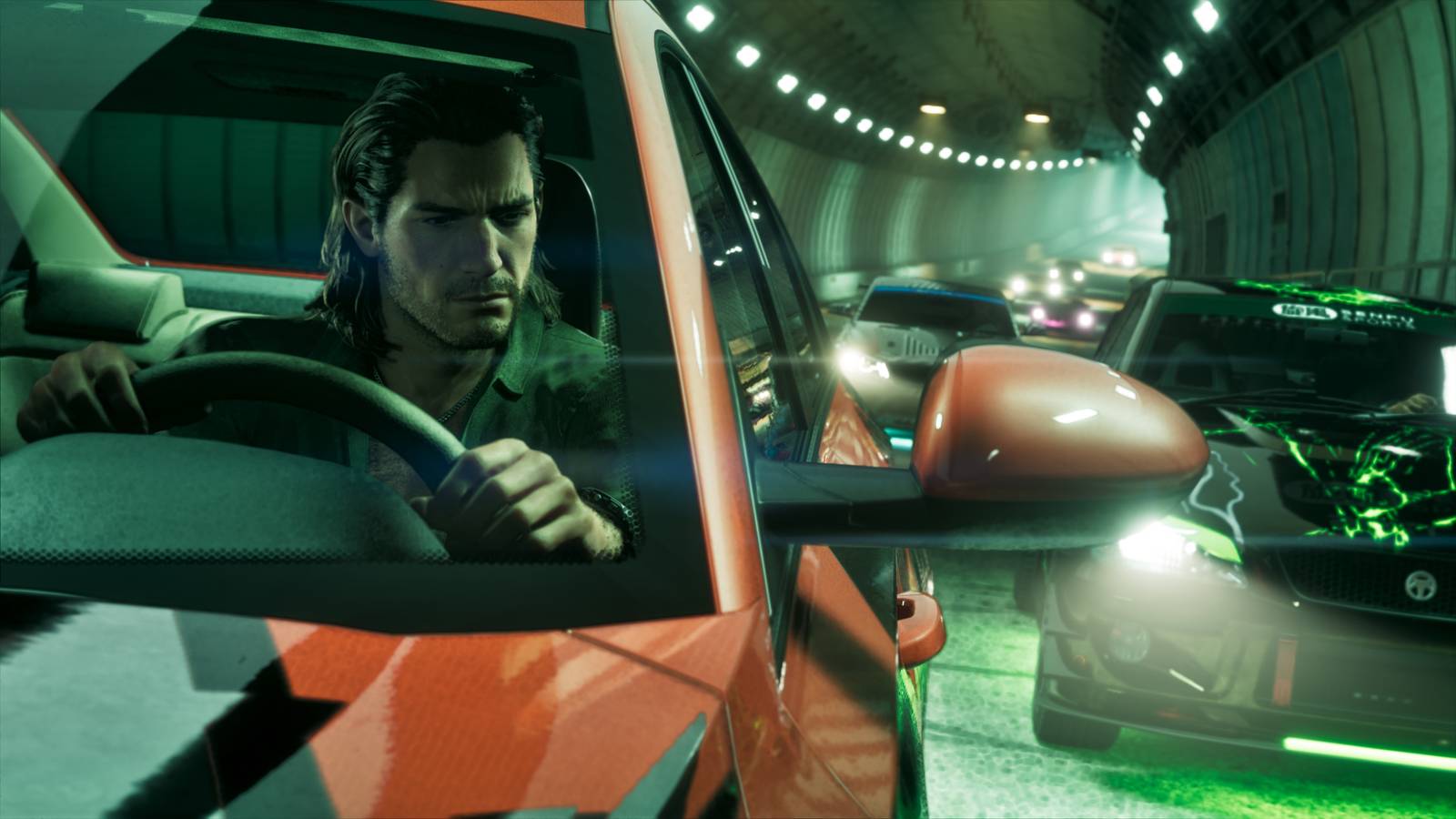
Hold the down button on the D-pad while in a land or water vehicle to switch between three camera height options. You can also enable cinematic camera mode here.
“This makes things like high-speed chases look cool, but you might find it harder to steer your vehicle.”
First-person view is very limited
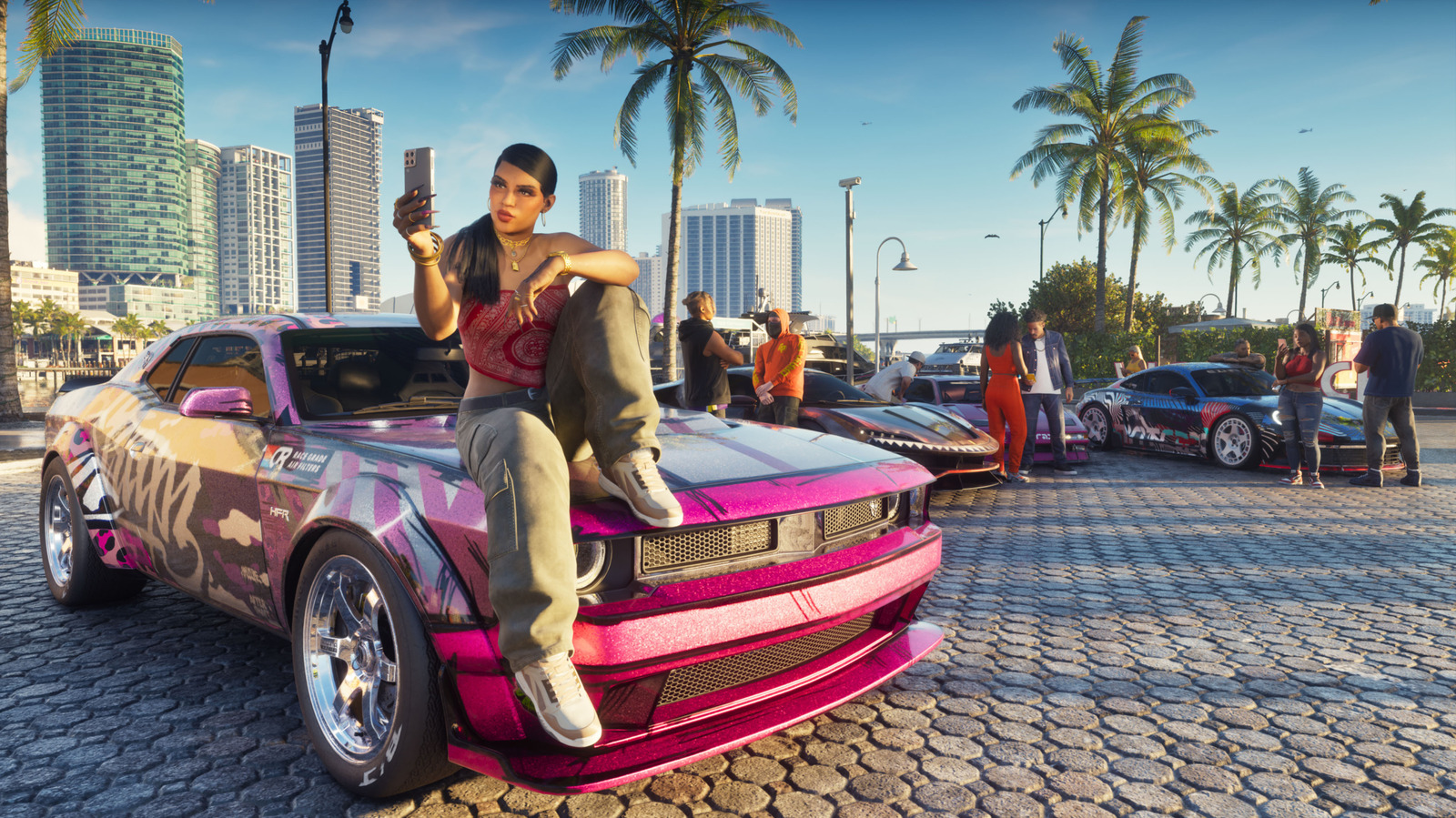
While on foot, hold the left trigger and click the right thumbstick to look around in first-person. You can also enable first-person when viewing your phone, including while driving.
The main idea
GTA 6 offers camera customization through settings and on-the-fly adjustments, with first-person perspective available only in limited circumstances.
Read the TL;DR — this story on one card.