From Engadget · Igor Bonifacic · · 1m 20s
Make custom stickers with ChatGPT for iMessage and WhatsApp
OpenAI's new sticker workflow lets you turn photos into shareable stickers in seconds.
In brief
OpenAI's new sticker workflow lets you turn photos into shareable stickers in seconds. ChatGPT can generate custom stickers from your photos that work directly in iMessage and WhatsApp, with easy editing options if you want changes. Originally reported by Engadget.
ChatGPT now makes stickers
OpenAI added a sticker-specific workflow to ChatGPT Images that turns photos into stickers you can send over iMessage and WhatsApp.
“Like emoji, stickers can be a great way to communicate warmth and nuance in a text message.”
Start with the mobile app
Open ChatGPT on iOS or Android, tap the menu icon, select Images, then tap Stickers under the Trending tab to begin.
Choose style and emoji guides
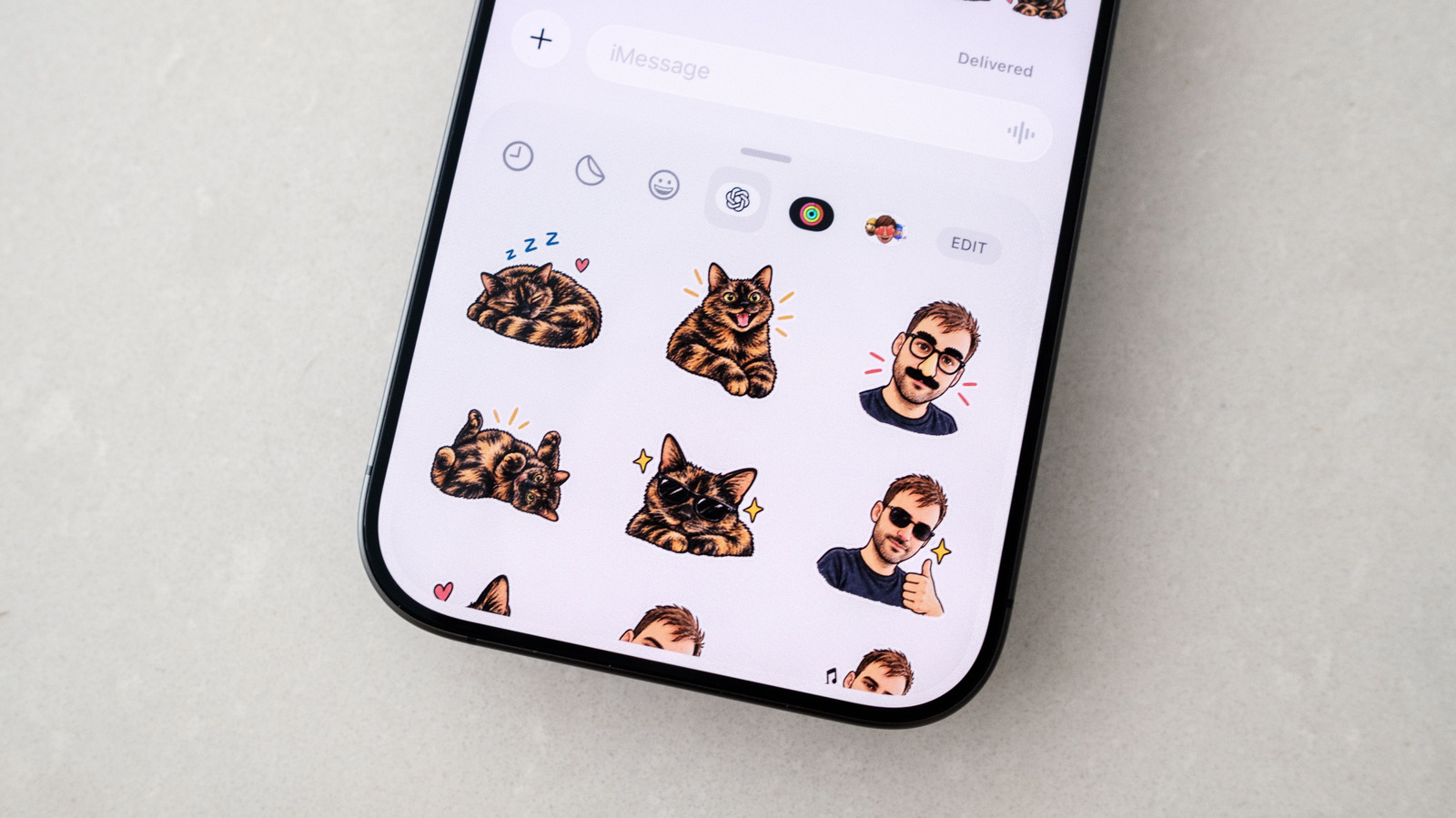
Select a style, reference image, and emoji set to guide ChatGPT. It generates nine stickers in moments that you can add to iMessage or WhatsApp.
Edit stickers you don't like
Tap a sticker, select Edit, and describe the changes you want. You can also write your own prompt to keep ChatGPT faithful to your original photo.
Send stickers through messaging apps
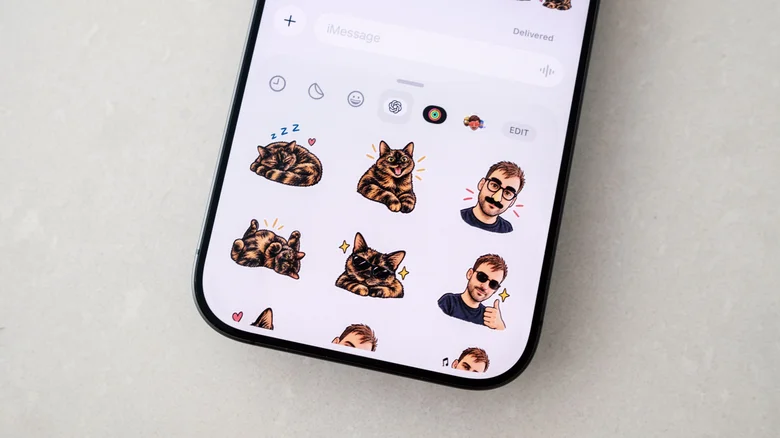
In iMessage, tap Plus then Stickers and select the OpenAI logo. In WhatsApp, tap the sticker icon on the compose bar to find your generated packs.
Watch your usage limits
Stickers generated through ChatGPT count against your daily and weekly usage limits, so free account users may need to wait for limits to refresh.
The main idea
ChatGPT can generate custom stickers from your photos that work directly in iMessage and WhatsApp, with easy editing options if you want changes.