From Engadget · Robin Bea · · 1m 20s
Xbox Series X won't connect to Bluetooth headphones
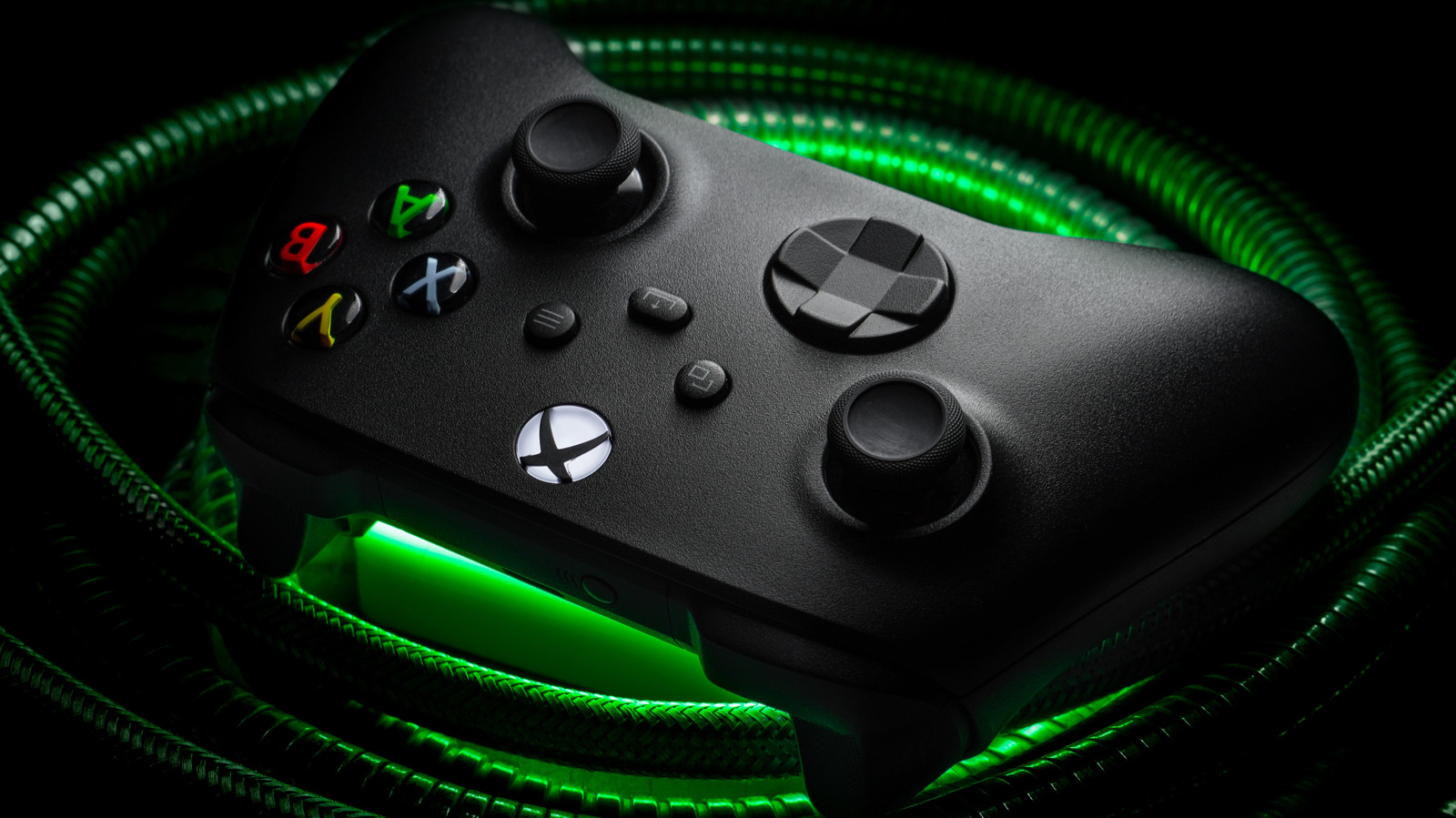
The Xbox Series X lacks native Bluetooth support, but several workarounds let you use wireless audio for gaming.
In brief
The Xbox Series X lacks native Bluetooth support, but several workarounds let you use wireless audio for gaming. Xbox Series X cannot connect directly to Bluetooth headphones due to latency concerns, but players can use wireless adapters, official Xbox headsets, or wired connections instead. Originally reported by…
Xbox Series X blocks Bluetooth headphones
Out of the box, an Xbox Series X cannot connect directly to Bluetooth headphones, unlike smartphones and laptops that support them natively.
Bluetooth latency makes gaming difficult
Sending audio over Bluetooth introduces a tiny delay before headphones receive it. This can distract players and make rhythm games nearly unplayable.
Buy official Xbox Wireless Headset
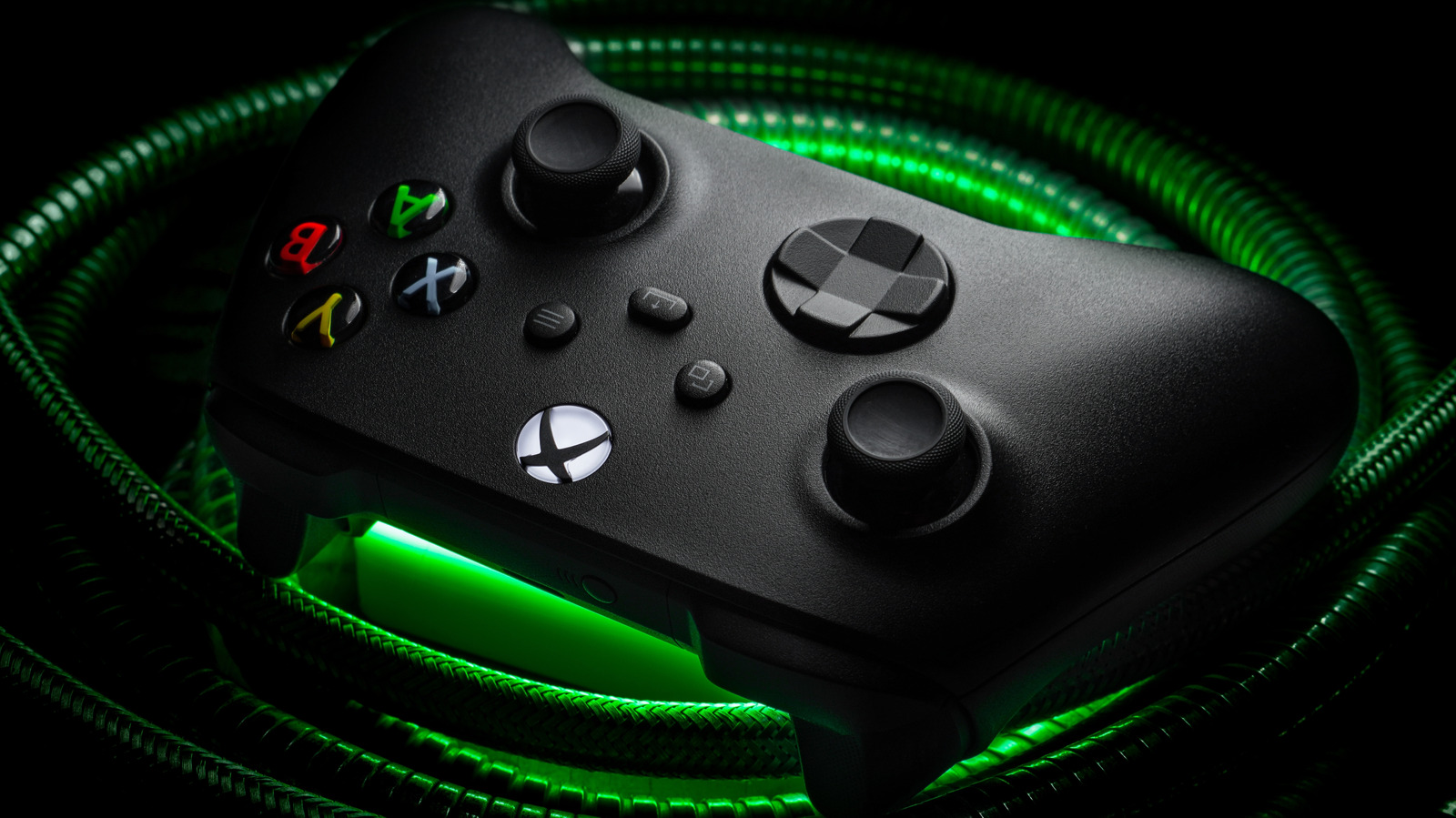
The Xbox Wireless Headset retails for $120 and uses Microsoft's own wireless standard for extremely low latency. Third-party manufacturers like Audeze and SteelSeries also make compatible wireless headsets.
Use Bluetooth adapters or your TV
Bluetooth adapters plug into the controller's headphone jack or console's USB port. Higher-end headphones like the SteelSeries Arctis Nova Elite with dedicated low-latency dongles offer better sound quality but cost more.
Connect headphones with a wired cable
The cheapest option is using the controller's audio jack with a wired connection. Some Bluetooth headphones include an audio cable as a wired backup, avoiding latency entirely.
What matters most
Xbox Series X cannot connect directly to Bluetooth headphones due to latency concerns, but players can use wireless adapters, official Xbox headsets, or wired connections instead.
Read the TL;DR — this story on one card.