From Maxim · · 1m 40s
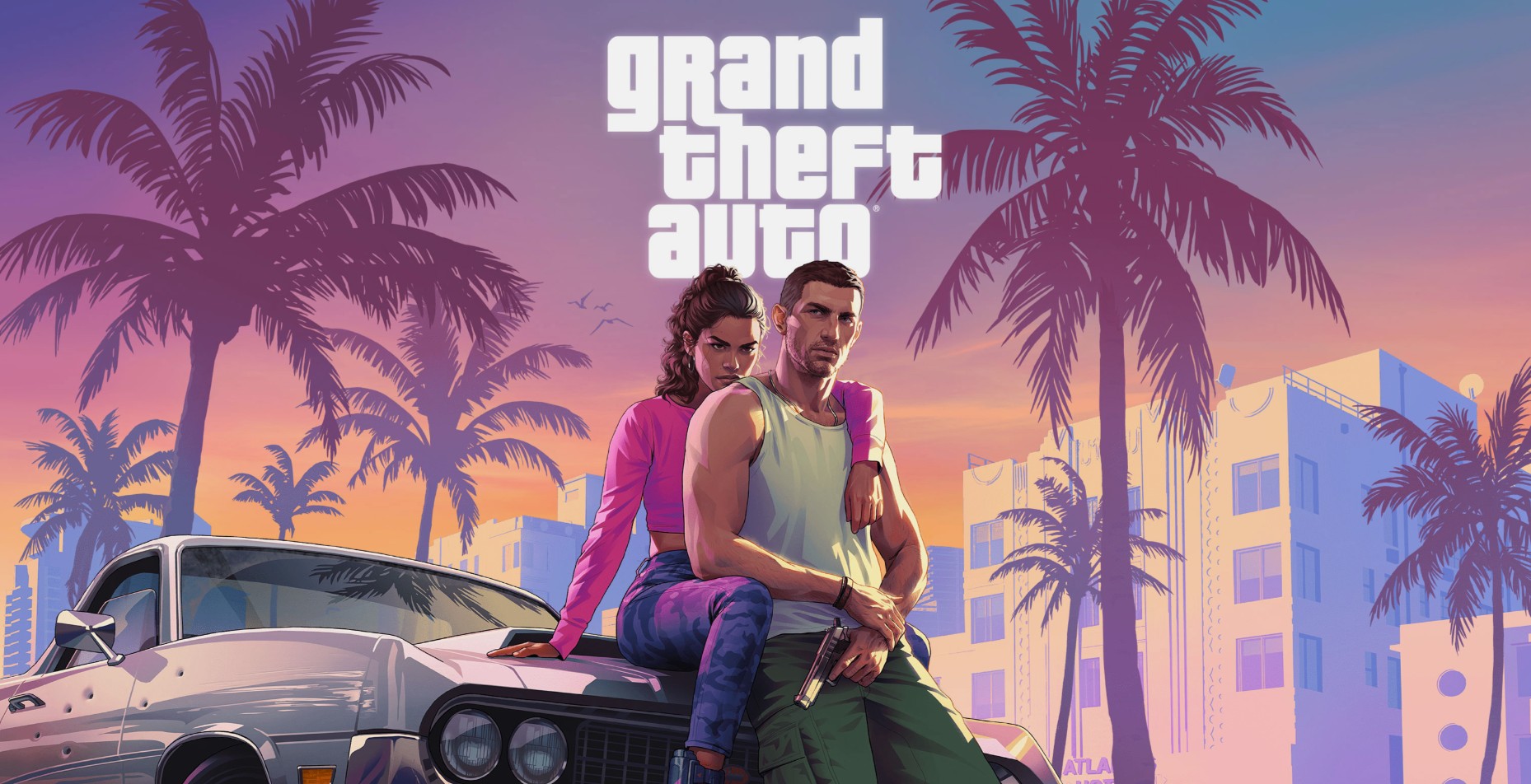
GTA VI Launch Prep Tips
12 steps to avoid launch chaos for Rockstar’s biggest game.
In brief
12 steps to avoid launch chaos for Rockstar’s biggest game. Preloading GTA VI requires storage space, console updates, and avoiding spoilers to ensure a smooth launch experience. Originally reported by Maxim.
Update Your Console

Check for system updates ahead of time and install them to avoid snags during GTA VI launch.
Make Room for GTA VI’s Massive Download
GTA VI game files exceed 200gb; delete unused games and clear storage before launch.
Preload The Game
Pre-orders for GTA VI reportedly generated over a billion dollars before launch.
Check for Patches
Rockstar may release day-one patches for pre-loaded players after GTA VI launch.
Know Your Time Zone
GTA VI launches on november nineteen twenty-six at midnight local time; adjust console settings accordingly.
Optimize Your TV and Console For Best Graphics
Enable game mode, 4k resolution, hdr, and 120hz output for optimal gaming experience.
Charge Your Controllers and Headsets
Charge controllers and test wireless connections to avoid interruptions during gaming sessions.
Stock Your Fridge
Prepare snacks and drinks for a potential late-night gaming marathon in vice city.
Warn Your Friends, Family and Coworkers
Notify loved ones about your gaming schedule to ensure they understand your availability changes.
Clean Your Gaming Space
Dust consoles and organize cables to create a comfortable gaming environment.
Have a Launch-Night Plan
Finish responsibilities, eat dinner, and prepare for midnight gaming session.
Stay Off the Internet
Avoid spoilers and social media to preserve the exploration experience of gta vi.
The short version
Preloading GTA VI requires storage space, console updates, and avoiding spoilers to ensure a smooth launch experience.
Read the TL;DR — this story on one card.