From Engadget · Max Miller · · 2m
How to use Xbox mode on your Windows PC
Microsoft's new Xbox mode transforms Windows 11 into a controller-friendly gaming hub that consolidates games from multiple launchers.
In brief
Microsoft's new Xbox mode transforms Windows 11 into a controller-friendly gaming hub that consolidates games from multiple launchers. Xbox mode is a full-screen gaming interface that hides Windows complexity and centralizes your game libraries, accessible via Win+F11 or through Settings. Originally reported by…
Windows 11 gets a gaming makeover
Microsoft launched Xbox mode in May 2026 as a response to Valve's SteamOS, transforming Windows 11 into a controller-friendly gaming interface that hides the desktop and taskbar.
Enable Xbox mode in settings
Open Settings with Win+I, go to Gaming > Xbox mode, and toggle Enable Xbox mode on. You can also select Xbox as your home app and enable shortcuts for quicker access.
Multiple ways to launch Xbox mode
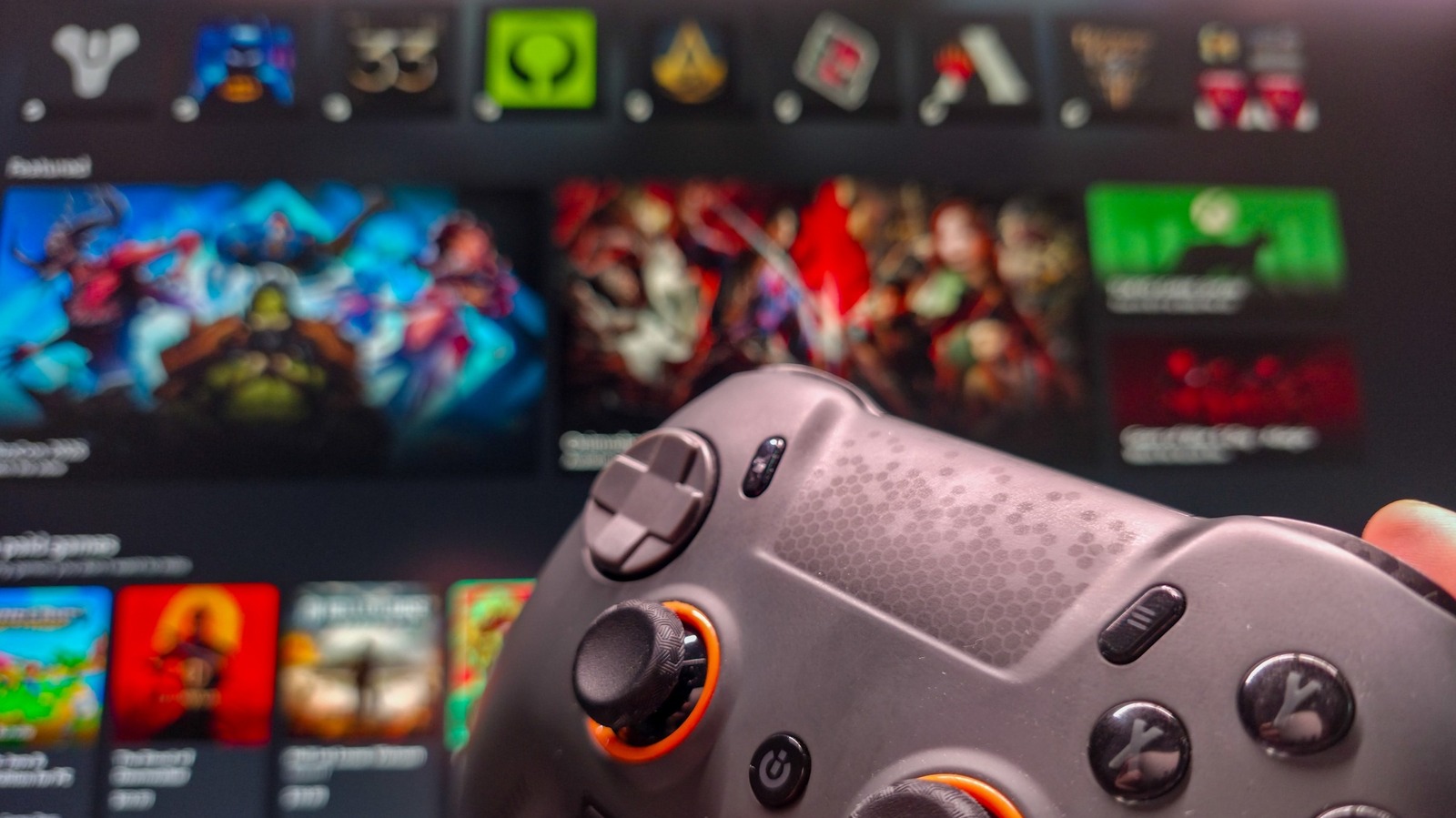
Press Win+F11 to toggle between desktop and Xbox mode, or use Win+G to open Game Bar and select Enter Xbox mode. You can also access it from the Xbox app or Task View.
Consolidate games from all launchers
Xbox mode displays games from Steam, Epic Games, Battle.net, Ubisoft Connect and Humble Launcher in one place, eliminating the need to open multiple game launchers.
Launch games directly from Xbox app
Launching a game from Xbox mode targets the game executable directly, booting necessary software in the background without opening its launcher first.
Xbox Game Pass and cloud gaming included
Xbox Game Pass subscribers can access their full library through Xbox mode, and you can set Nvidia GeForce Now as your default cloud gaming service in settings.
Performance boost requires separate toggle
Xbox mode doesn't improve gaming performance on its own. Enable Game Mode separately in Settings > Gaming > Game Mode to turn off background processes and optimize your system.
Best for multi-launcher and handheld gaming
Xbox mode shines when you have games across multiple platforms and works especially well on handheld and living room PCs, though it's less essential for dedicated gaming desktops.
The short version
Xbox mode is a full-screen gaming interface that hides Windows complexity and centralizes your game libraries, accessible via Win+F11 or through Settings.