From Road & Track · Justin Helton · · 2m
Wireless CarPlay Upgrades for Older Cars
Older cars can add Apple CarPlay without replacing factory stereos.
In brief
Older cars can add Apple CarPlay without replacing factory stereos. Older vehicles can use wireless CarPlay adapters to access navigation, music, and hands-free calling without replacing the factory stereo. Originally reported by Road & Track.
Wireless CarPlay Adapters

Wireless CarPlay adapters provide cordless connectivity for vehicles that already support wired CarPlay or Android Auto.
Best Adapter: Ottocast E2

The Ottocast E2 OttoAibox plugs into USB ports and runs its own Android 13-based OttoDrive 2.5 system for split-screen multitasking.
Best Value: Carlinkit 5.0

The Carlinkit 5.0 works with iPhones 6 and newer and connects quickly after initial setup with two cables.
Best Portable Screen: CarpodGo T4 Plus
The CarpodGo T4 Plus adds navigation, music, and hands-free calling to older cars without replacing the factory stereo.
Best for Older Vehicles: Intellidash Pro X10
The Intellidash Pro X10 is a 10-inch touchscreen that wirelessly integrates Apple CarPlay and Android Auto for older vehicles.
Ottocast OttoScreen AI
The Ottocast OttoScreen AI features an 11.4-inch touchscreen with Android 15 and built-in AI voice assistant for offline apps.
Apple CarPlay vs. Android Auto

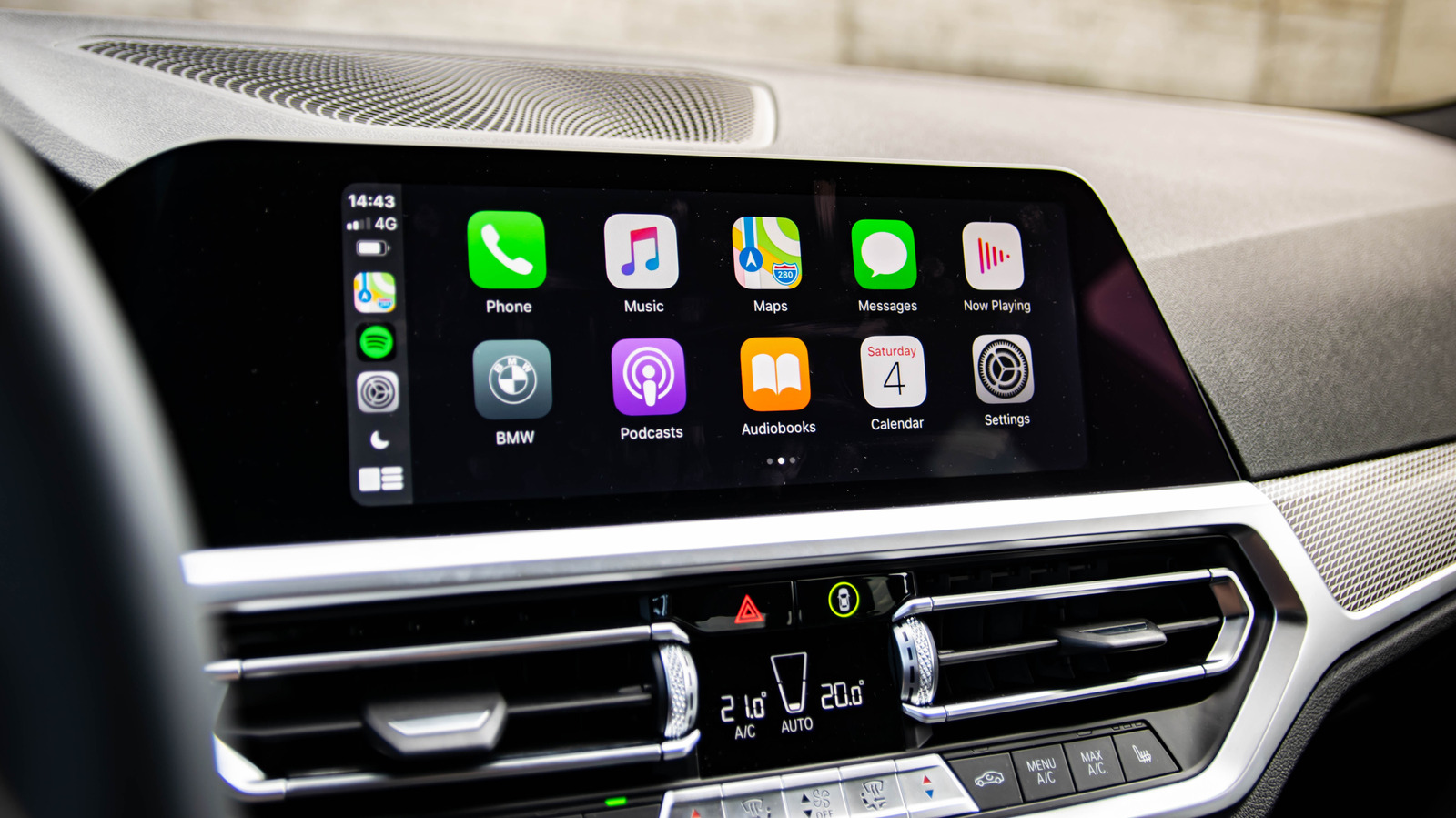
Apple CarPlay and Android Auto are in-car infotainment apps for iOS and Android devices respectively.
Setup Process
Choose a wireless adapter with easy setup, plug-and-play installation, and minimal wiring for hassle-free integration.
Audio Quality
Consider audio quality provided by the adapter, including high-quality streaming for clear sound reproduction.
Additional Features
Explore features like voice commands, USB charging, and Android Auto compatibility for enhanced functionality.
FAQs
Does your car need Bluetooth? No, your phone connects via Bluetooth to the adapter, not the car.
Subscription Fees
Wireless CarPlay adapters generally have no subscription fees, though some apps may require separate purchases.
Installation Difficulty
Installation is usually straightforward with plug-and-play connections to USB ports, though professional help may be needed.
Compatibility with Older iPhones
Wireless CarPlay adapters work with older iPhone models as long as they meet CarPlay requirements.
Must-Have Specs
At minimum, adapters require 5 GHz Wi-Fi + Bluetooth for faster, more stable connections.
Why Trust Us

Road & Track uses hands-on testing and editorial independence to recommend products without payment influence.
What matters most
Older vehicles can use wireless CarPlay adapters to access navigation, music, and hands-free calling without replacing the factory stereo.