From Engadget · Ben Stegner · · 2m
USB-A vs. USB-C: What's the difference?
Two connector types that look different work in fundamentally different ways, and specs matter more than shape.
In brief
Two connector types that look different work in fundamentally different ways, and specs matter more than shape. USB-A and USB-C differ in physical design, reversibility, and capability, but the actual speed and features depend on the protocol standard, not the connector type alone. Originally reported by Engadget.
USB-A: the original standard
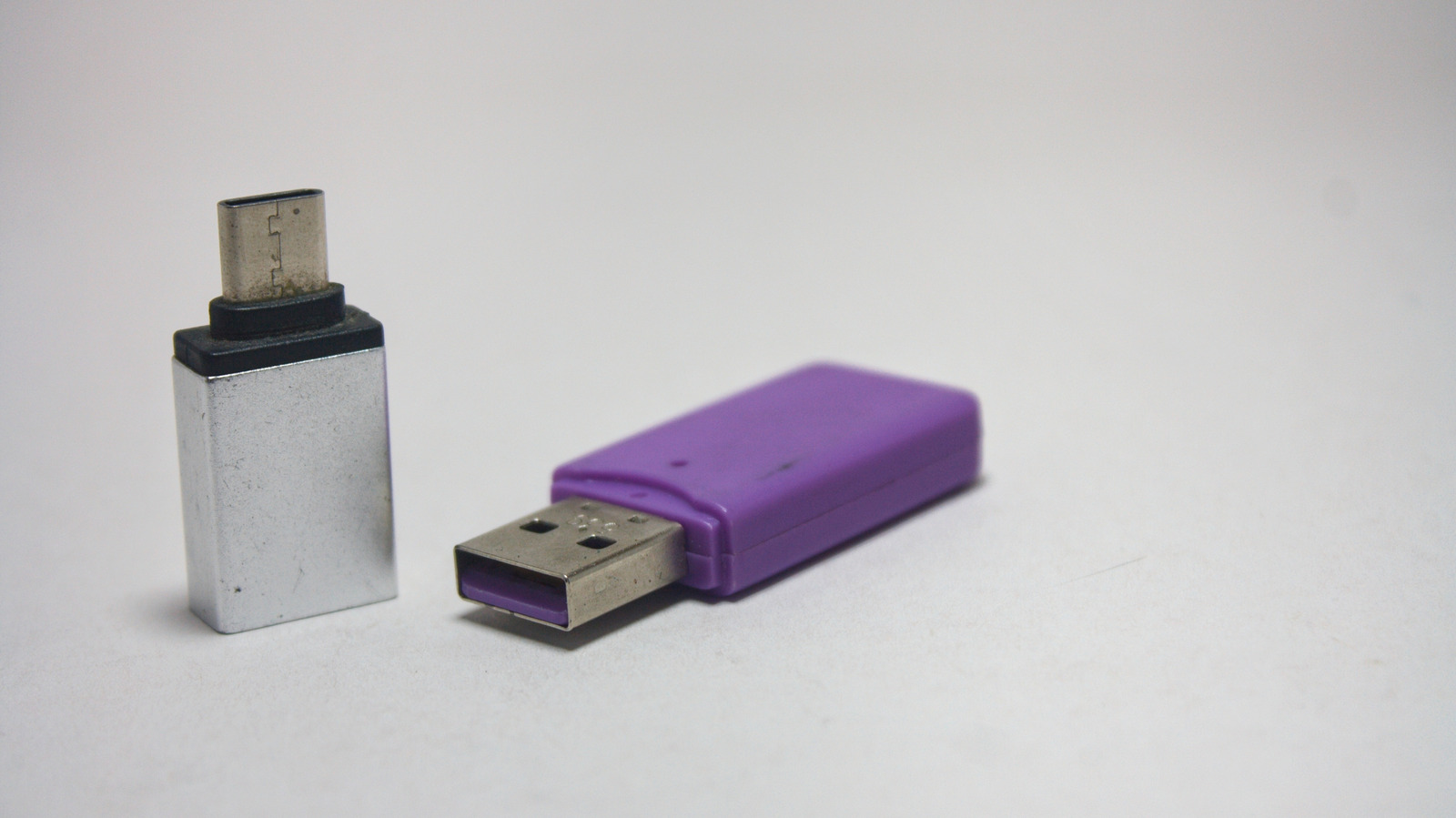
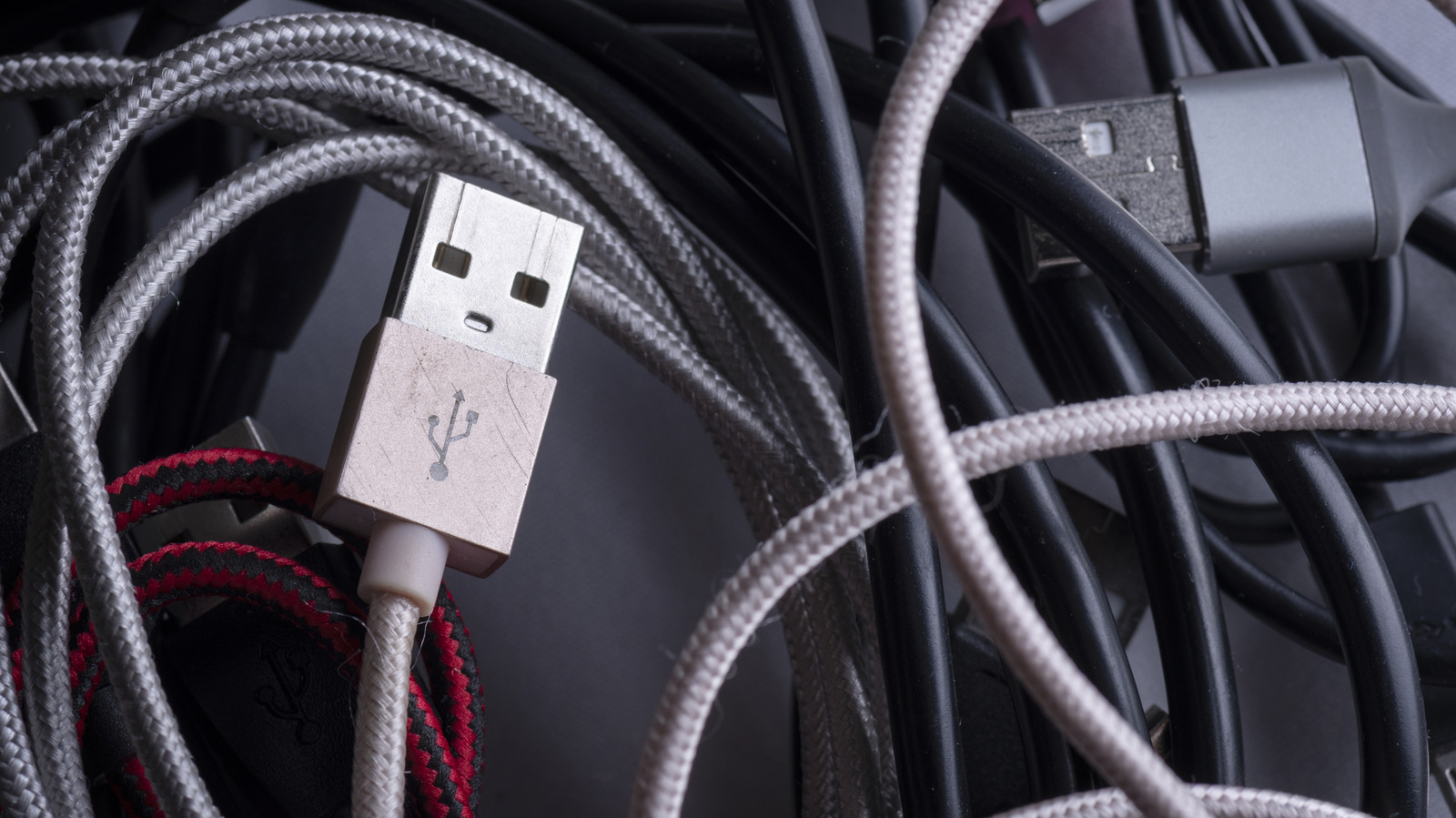
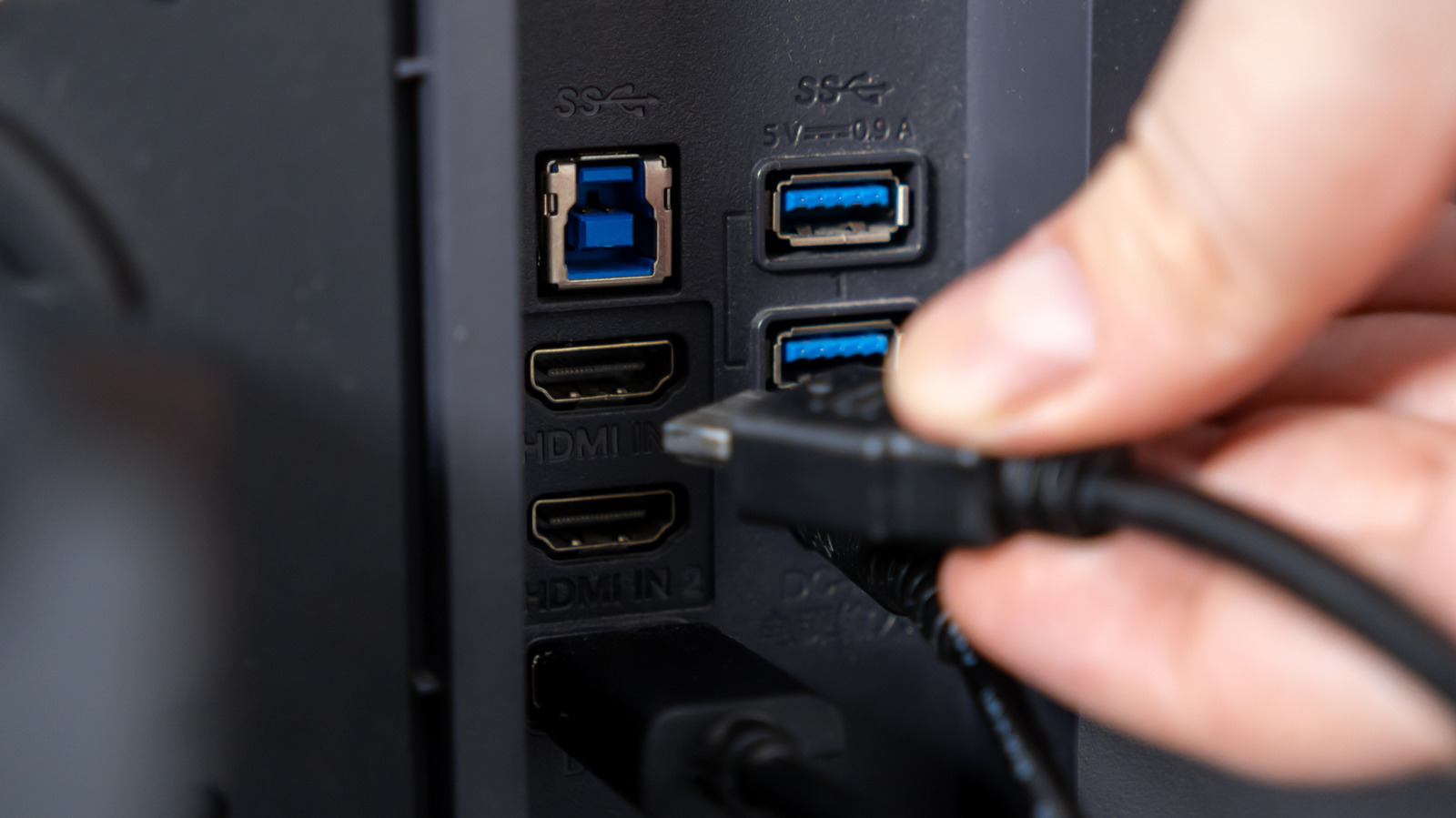
USB-A is a rectangular connector with pins on one side, so it only fits one way. It's been around since the mid-1990s and still appears on desktops, laptops, routers, game consoles and car chargers.
Why USB-A only fits one way
Early USB standards designated one device as the host and one as a peripheral, so they weren't reversible. This is why you can't plug USB-A into USB-A; both devices would try to act as the host and cause problems.
USB-C: reversible and smarter
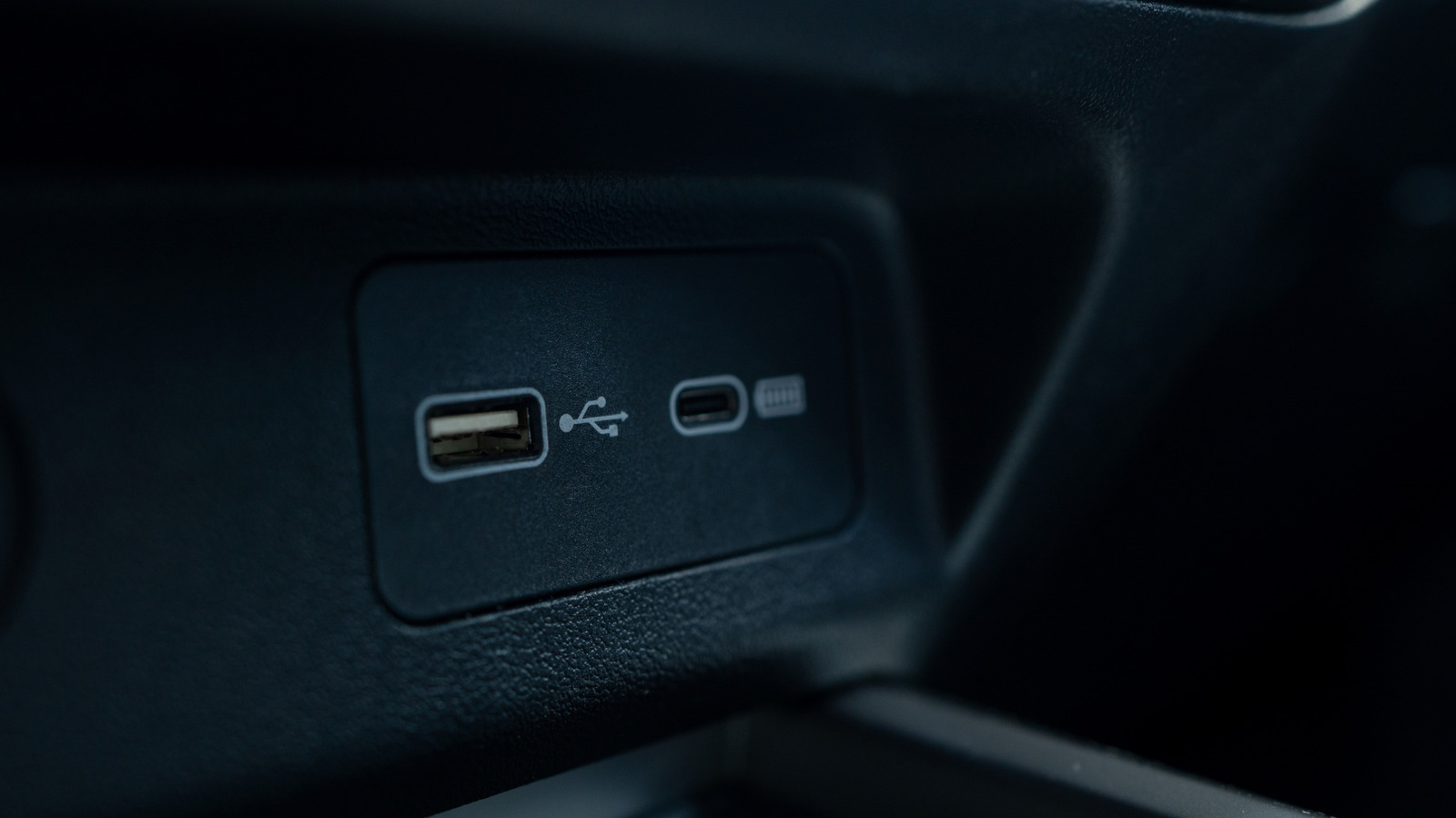
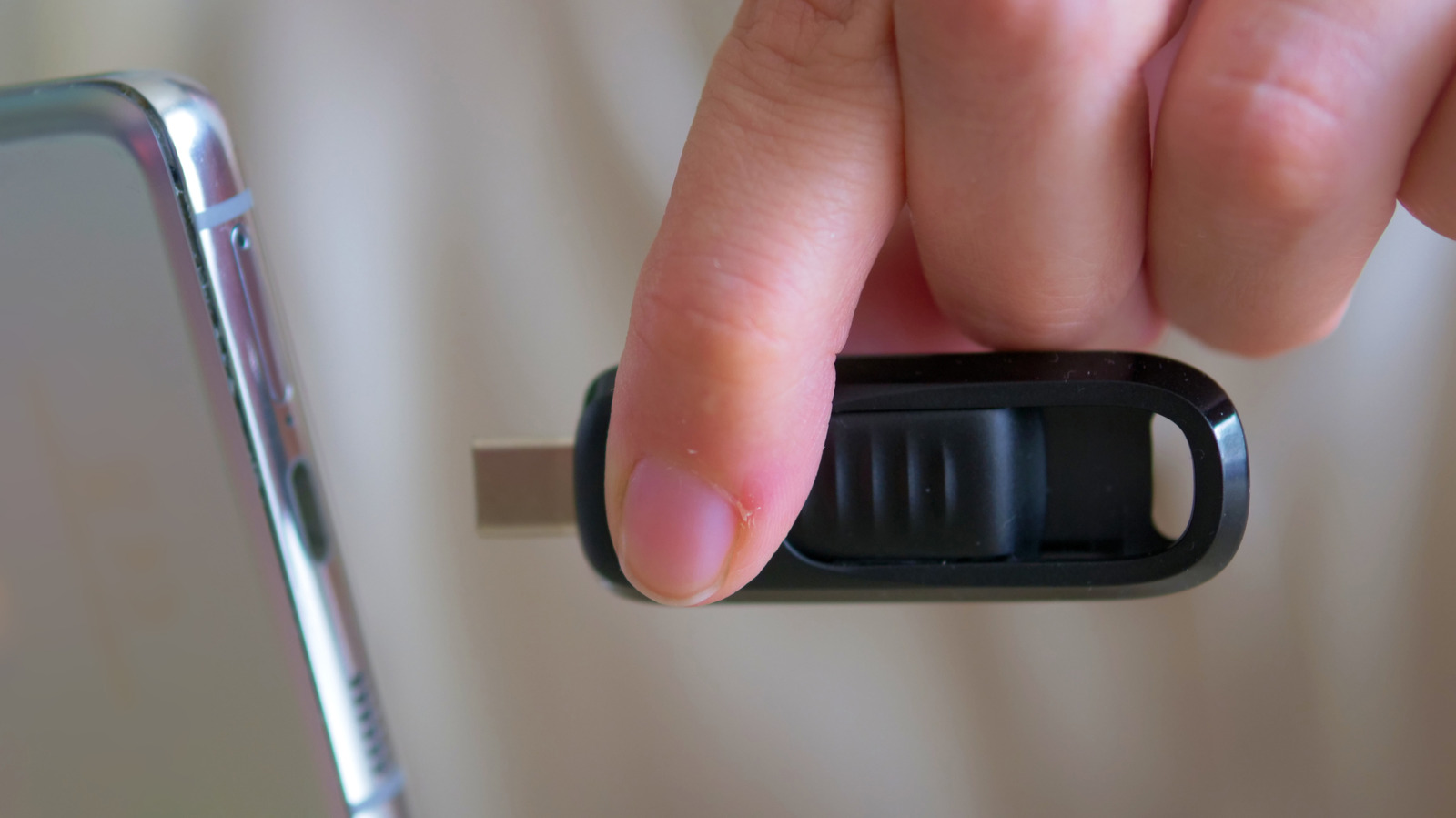
USB-C debuted in 2014 with an oval shape that works either way you plug it in. It also lets connected devices figure out which is host and which is peripheral, eliminating the old limitation.
USB-C is taking over everywhere
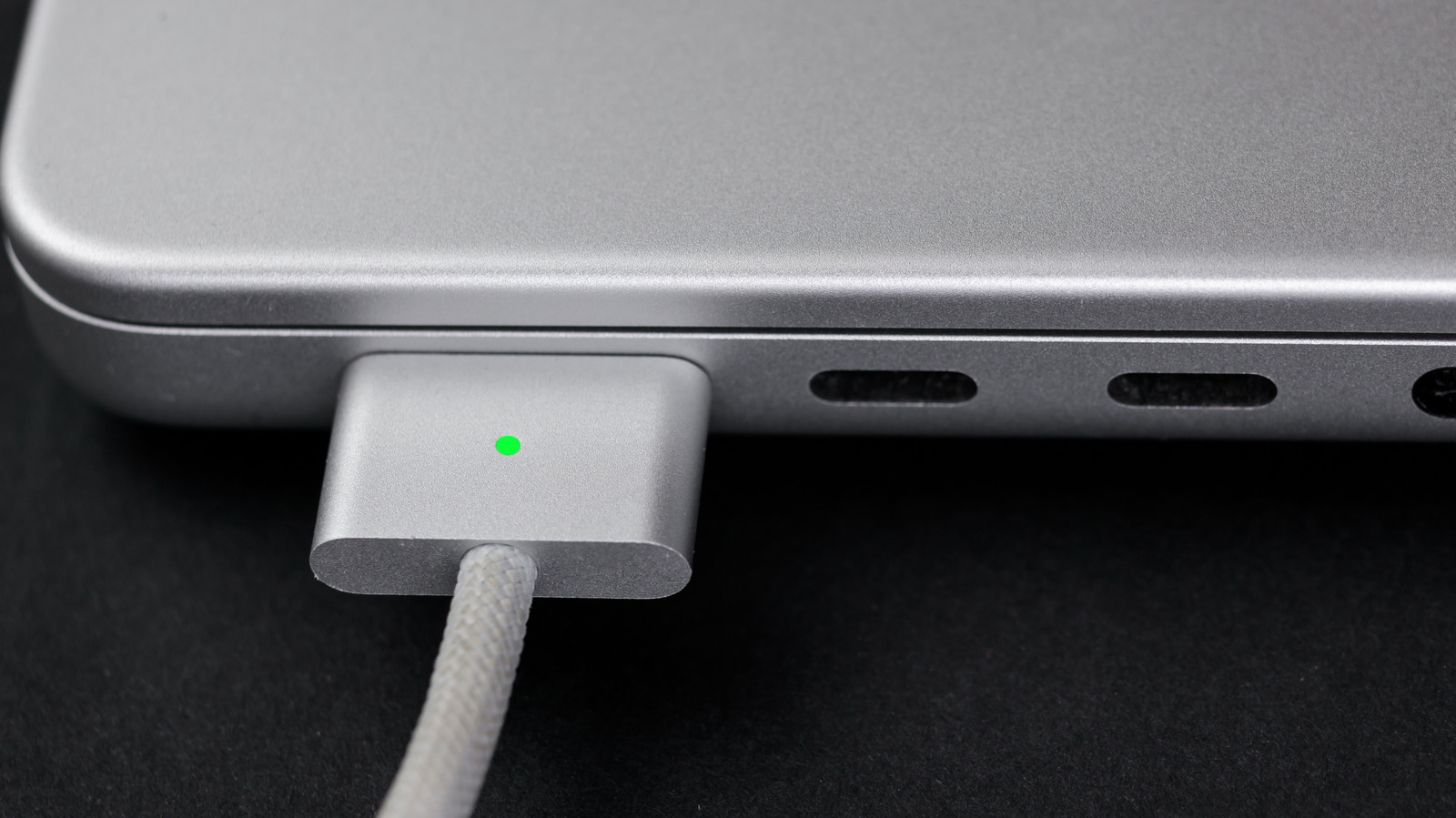
Most laptops and desktops now have at least one USB-C port. It's standard on smartphones, tablets, headphones and controllers, and increasingly replaces USB-A in cars, routers and power banks.
USB-C does way more
USB-C can transfer data, charge large devices like laptops, output video and audio, and connect peripherals. A laptop that once needed six different ports can now do everything through a few USB-C connections.
Speed depends on the protocol
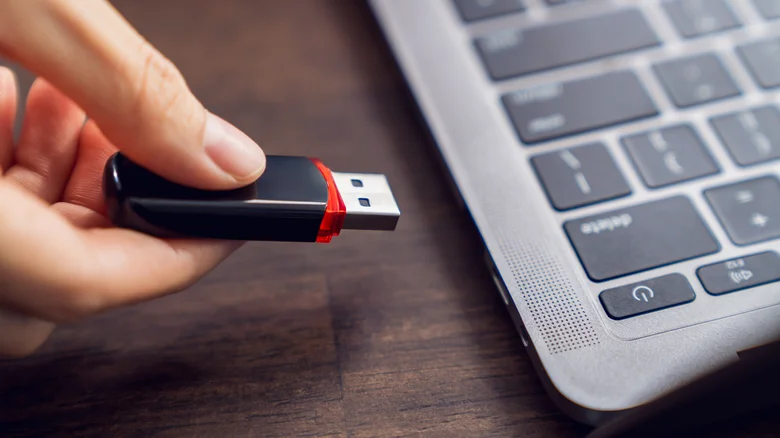
USB-A ranges from USB 2.0 (480 Mbps) to USB 10 Gbps. USB-C can be as slow as USB 2.0 but supports up to USB 20 Gbps. USB4, which reaches 40 Gbps or 80 Gbps, only works with USB-C.
Not all USB-C ports are equal
One USB-C port on your laptop might only charge, while another only transfers data. A port marked with DP supports video output. Check the specs on your cable or device manual to know what each port actually does.
Thunderbolt is a different beast
Thunderbolt is a separate standard that guarantees higher performance than USB. It never used USB-A, started with Mini DisplayPort, and now uses USB-C for Thunderbolt 3 and newer versions.
In short
USB-A and USB-C differ in physical design, reversibility, and capability, but the actual speed and features depend on the protocol standard, not the connector type alone.